
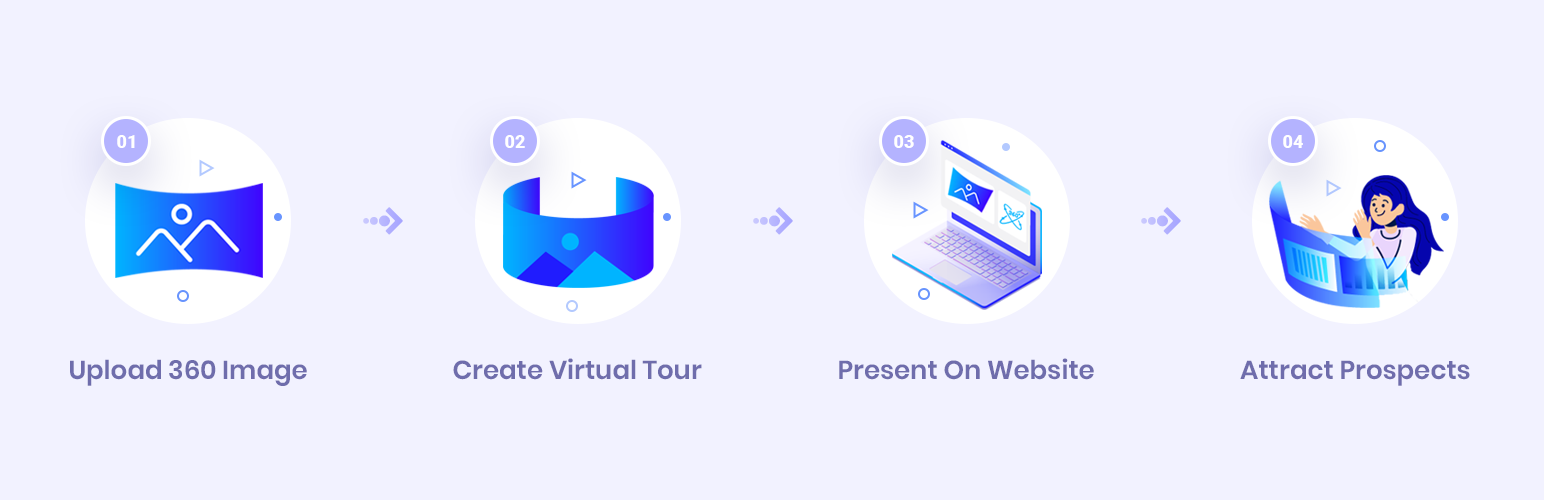
WP VR – your ultimate solution to creating stunning 360° virtual tours.
What is WP VR? #
WP VR is a powerful WordPress plugin that lets you create Interactive 360-degree Virtual Tours using panoramic images. Visitors can explore your VR Tours with smooth navigation, hotspot/marker interactions, information popups, and many more. All directly on your website.
Key Features #
- Upload 360° panoramic images (equirectangular or cubemap) as scenes.
- Create multi-scene Virtual Tours
- Add hotspots to link the scenes or show details
- Customize your VT Tour interface and controls
- Fully responsive and mobile-friendly
- Shortcode-based – embed the VR Tour anywhere on your site using shortcode
- Compatible with most themes and page builders (Elementor, Gutenberg, etc.)
- Embed tours on both WordPress and non-WordPress sites
How WP VR Works #
- Upload a 360° Panoramic Image:
You start by uploading an equirectangular panoramic image or cubemap image. - Add Hotspots & Interactions:
You can place interactive hotspots on the image—these can link to other scenes, display popups, text, videos, images, or even forms. This allows you to create guided experiences or walkthroughs. - Customize the Tour Settings:
Adjust tour behavior like:- Autoloading and autoplay
- Scene autorotation
- Tour Background Music
- Zoom level and control type
- Scene transition effects
- Autorotation and gyroscope support (for mobile)
- Embed the Tour:
- In WordPress: Use a simple shortcode or WPVR block to embed the tour.
- Outside WordPress: Generate an iframe embed code (Agency Plan) and place it on any HTML – compatible site.
- User Interaction:
Visitors can then navigate the scenes by dragging their mouse, swiping on touch devices, or moving their device in gyroscope-supported mode—providing a fully immersive experience.
So let’s begin.