
This is a Google Street View that was tour created using WPVR Pro.
Embedding Google Street View: #
Here are the steps for embedding Street Views on your WordPress site:
- Go to Setup, then Embed Google Street View.
- Choose On for the Enable Street View option.

- After enabling it, there will be a warning

- Click Yes to continue.
- Go to the Street view, and click on the arrow pointing option.
- Choose Share or embed image option.

- Click on Embed a map.
- Click on Copy HTML.

- On the Add Source field, paste the copied HTML and only keep the web address of the Street View.
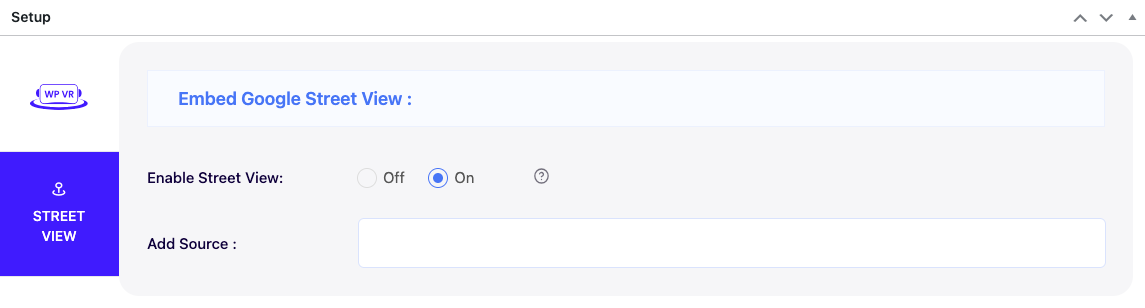
Then you can simply preview and publish the street view.
Follow this documentation to learn more about embedding street views on your WordPress website.
For information about the Street View tool, view details here.