
WP VR can generate a QR code for your virtual tour which will help you showcase your tours without having it published on the Web page.
This QR code feature is available in our Embed Add-on plugin which is available in our Agency plan.
Let’s have a look at how QR Code generates for your virtual tours.
QR Code For Your Virtual Tour #
Follow the steps below.
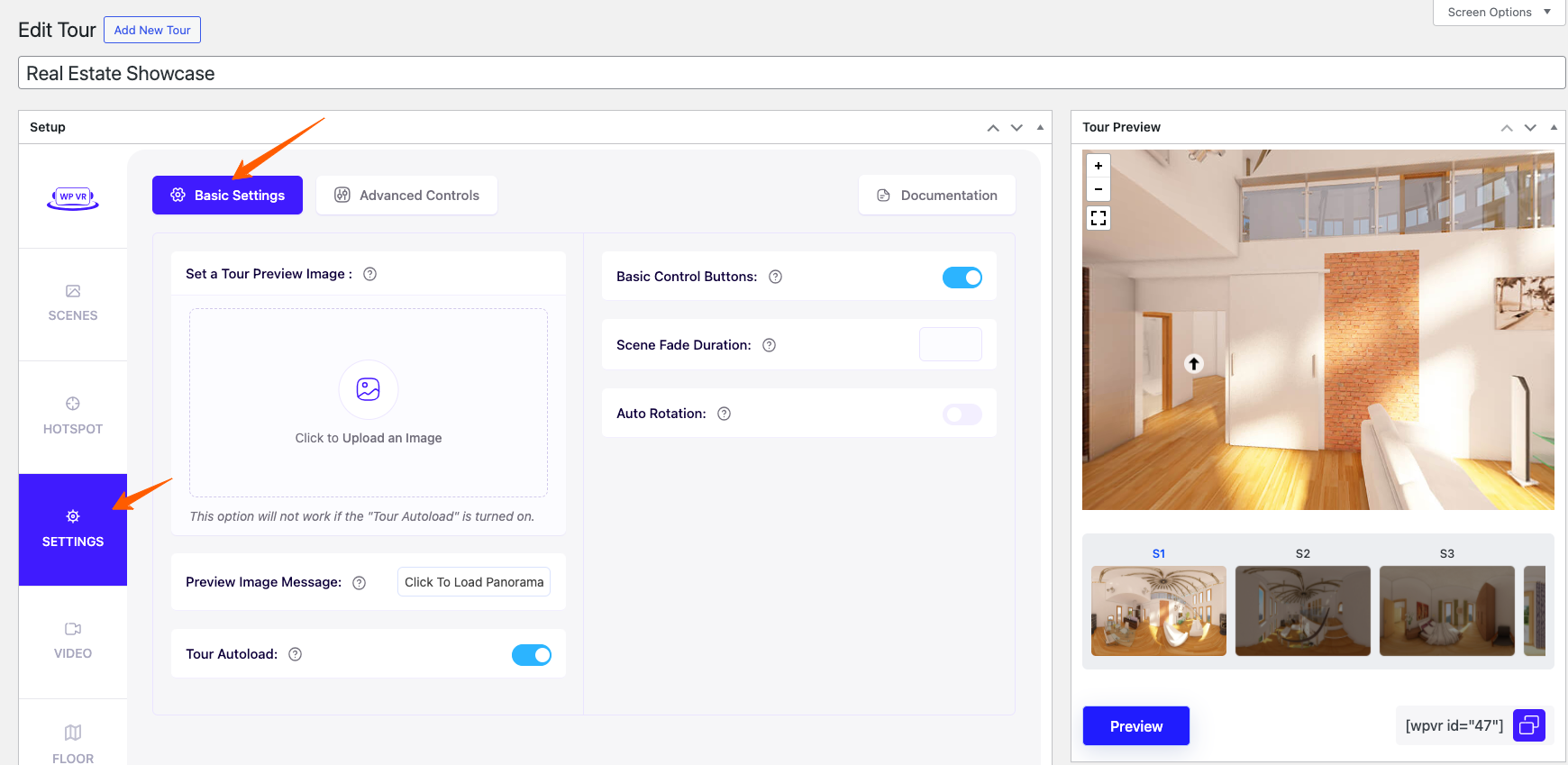
1. While editing or creating a tour, go to the General tab.
2. Once you have the Embed Add-on plugin activated, at the bottom, you will get the option called Download QR Code. Download the QR code, you will be able to scan the code and enjoy your published virtual tour.

As you can see, it’s really easy and simple and you do not need to publish the tour on any webpage to promote it.