You will be able to exclude invisible products or hidden products when generating a product feed using Product Feed Manager for WooCommerce
You may often have products in your store that are marked Invisible or Hidden.
When you generate a feed, by default, it is designed to include all products along with invisible or hidden products.
However, you may choose to exclude these products.
How To Exclude Invisible Products #
Follow the easy steps below:
1. Click on the Product Settings button.
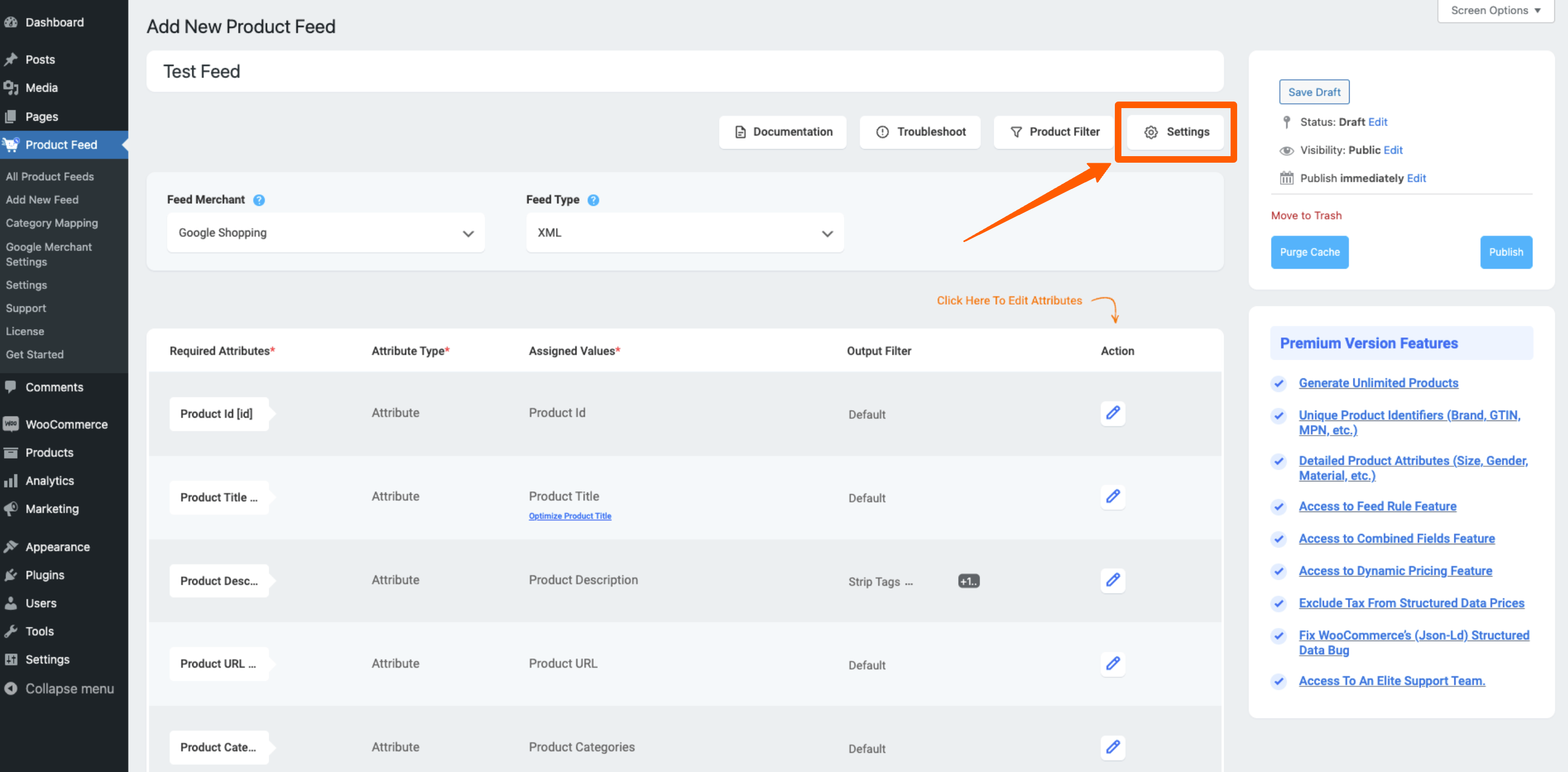
2. Here, search for the option Exclude Invisible/ Hiden Products, and you will see that it is toggle OFF by default. Change it to ON

3. Then Publish or Update the feed.

Then you will see that your feed no longer includes Invisible products or Hidden products.
**Please note that for variable products, each variant is marked as invisible by default in WooCommerce. So if you wish to include product variants, then you should not use this feature.