
In this guide, We’ll show you how you can create shipping strategies based on the weight of the products that you’ll deliver to your clients.
So let’s have a look.
Weight Based Shipping Conditions #
1. First of all, Go to Advanced Shipping Method Settings
2. Scroll down and you will get this option to add shipping cost calculation rules.
3. Click on the add condition rule to set the price shipping condition for your WooCommerce store.
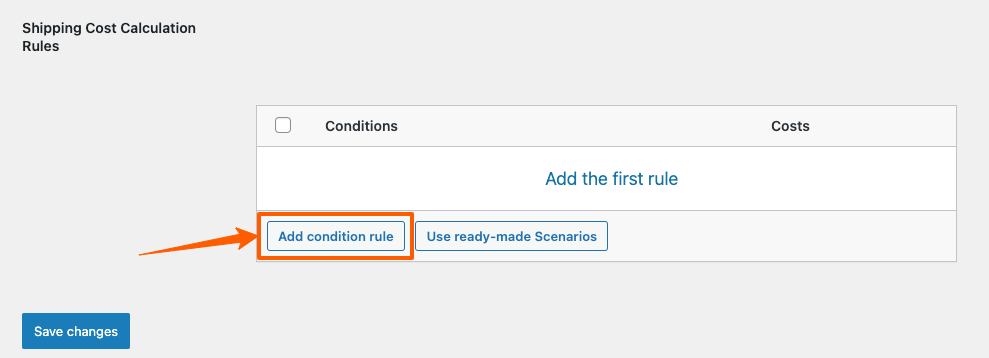
4. Suppose, you’ve added 3 condition rules for weight shipping conditions.
- If the product weight is 10kg to 20kg shipping charge will be $15,
- For 21kg to 40kg, the shipping charge will be $18 and
- For 41kg to 100kg, the shipping charge will be $22.
5. Click on Save Changes to apply the conditions.

Example: Lets the each beanies weigh 3kgs
Now when the customer selects 4 beanies, the total weight of the cart will be 12kgs.
This meets the first condition and the shipping charge shows $15 according to advanced shipping conditions.

Example: Now for a different scenario,
Each Beanie weights 3 kgs and each Belt weighs 2 kgs
When your customer adds 4 beanies and 6 belts. The total weight in your cart will be (4*3 + 6*2) = 25kgs
It mets the 2nd condition of advanced shipping. That’s why it is showing $18.

So, this is how you can set weight based conditions for all purchases on your WooCommerce Stores.