![How To Optimize Product Feed For Facebook Catalog To Get Higher Sales & ROAS [2026]](https://rextheme.com/wp-content/uploads/2026/03/Optimize-Product-Feed-For-Facebook-Catalog.webp)
Facebook is one of the biggest platforms to promote your products online. That’s why most WooCommerce store owners use Facebook Catalog to reach buyers who are already interested.
But here’s what most don’t realize. Your ads don’t fail because of creatives. They fail because of your product feed.
At the beginning, everything looks fine. You get clicks, traffic comes in, and sometimes you even see sales.
But over time, your ad spend increases. And your profit doesn’t grow at the same pace.
Most store owners try to fix this by increasing budget or testing new creatives. Very few look at the real foundation – the Facebook product feed.
If your feed is not properly optimized, your ads will always struggle. Because Facebook relies on your data to understand, match, and show your products.
So when your feed is weak or incomplete, your ads become inefficient. More spend, less return.
In this guide, you’ll learn what to actually fix inside your product feed. Simple, practical changes to improve performance, get consistent sales, and protect your profit margin.
TL;DR – Optimize Product Feed for Facebook
- A Facebook product feed is a file with your product data used for ads and shops
- Facebook uses this data to match your products with the right audience
- You need to create, connect, and regularly update the feed in Commerce Manager
- Missing or incorrect data can hurt performance and cause approval issues
- Optimized feeds improve targeting, conversions, and ROAS
- A strong feed powers Dynamic Product Ads for scalable sales
- To make this process easier and more efficient, use Product Feed Manager to create, optimize, and automatically sync your WooCommerce product feed.
6 Most Important Ways to Optimize Your Facebook Product Feed
Optimizing your Facebook product feed is not complicated. You do not need advanced technical knowledge. You just need to improve a few key areas that directly affect performance and profit.
Let us go step by step.
1. Select Product Category According to Facebook

Your store can have its own way of organizing products, and that’s completely fine.
But when it comes to running ads on Facebook, your internal category structure isn’t what matters. Facebook uses its own product category system, and your feed needs to follow that.
If your product categories don’t align with Facebook’s structure, things start to break. Your ads may reach the wrong audience, performance drops, and in some cases, products can even get rejected.
This is where category mapping becomes important.
You need to connect your store’s categories to the closest matching Facebook categories so the platform clearly understands what you’re selling.
For example, let’s say your store category is “Men’s Wear.” That’s fine internally. But if you send that directly to Facebook, it’s too broad.
Instead, you should map it to something more specific like: “Apparel & Accessories > Clothing > Men’s Clothing > Shirts”
Now Facebook knows exactly what the product is, who to show it to, and when to show it. And that’s the key. Always go as specific as possible. Avoid broad categories when a deeper, more accurate option exists.
The more precise your category is, the easier it becomes for Facebook to match your products with the right shoppers.
- Better matching leads to better clicks.
- Better clicks lead to better conversions.
And that’s what ultimately improves your ROAS.
2. Improve Your Product Titles So They Are Clear and Specific

One of the most common mistakes I see is unclear titles. You might use short names that make sense inside your store, but they do not clearly explain the product to a new buyer or to Facebook.
For example:
- Bad: Premium Jacket
- Better: Men’s Black Winter Jacket – Waterproof and Warm
Or in electronics:
- Bad: Smart Watch X
- Better: Smart Watch with Heart Rate Monitor – Waterproof – Android & iOS
You might think this is a small change, but it makes a big difference.
In many dynamic ad placements, Facebook shows only part of your title. Often, just the first 25 to 40 characters are clearly visible. That means the beginning of your title matters the most.
If the first words are vague, buyers scroll past. If the first words clearly describe the product, people pause.
There is something else happening behind the scenes.
When your title clearly mentions the product type, who it is for, and a key feature, Facebook understands your item better. Better understanding means better matching. Better matching usually means higher conversion.
From my experience, simply moving important words to the front of the title can improve click quality without increasing your ad budget.
For example, in fashion:
- Before: Classic Collection Summer Dress Blue
- After: Women’s Blue Summer Dress – Lightweight Cotton
In home appliances:
- Before: Model 4500 Blender
- After: High-Speed Kitchen Blender – 1200W – 6 Blades
You can also test variations over time. Small A/B tests in titles, especially around feature order or benefit focus, can improve engagement gradually.
Once your titles are clear, the next thing that affects performance is your product description.
3. Improve the First Few Lines of Your Description

When someone sees your ad, you only have a few seconds.
Most buyers scroll fast. They do not read long paragraphs. If the first few lines of your description are vague or filled with unnecessary words, you lose their attention immediately.
And here is something important — Facebook does not always show your full description inside ads. In many placements, only the beginning appears. So the first lines carry the most weight.
Instead of writing long product stories, keep it simple and clear. Focus on three things:
- What the product is
- Who it is for
- Why is it useful
Here is a weak example:
“This is a very high-quality product made from excellent materials and designed with care.”
It sounds nice, but it does not say anything specific.
Now look at this:
“Designed for busy professionals, this lightweight laptop backpack protects your device and keeps your essentials organized all day.”
See the difference. The second version removes doubt quickly. It tells the buyer who it is for and what problem it solves.
When your description removes confusion, buyers feel more confident. And when buyers feel confident, they are more likely to complete the purchase.
You do not need technical terms to understand this. When people interact positively, ads work better.
Titles and descriptions are important, but your product details also play a big role.
4. Complete All Important Product Details

Before thinking about scaling or testing new creatives, look at your data. Small inconsistencies inside your catalog quietly reduce performance over time.
Every product should clearly show the correct brand, price, availability, condition, and category. These are not just required fields. They shape how your products are shown and who sees them.
A price mismatch between your ad and your website creates hesitation. Even a small difference can break trust. Buyers notice details.
An outdated stock status leads to paid clicks that cannot convert. Each one chips away at your budget.
A broad or inaccurate category sends weak signals. Your product may still show, but it reaches fewer relevant people. That lowers click quality and pushes your cost per purchase higher.
I have seen accounts stabilize simply by cleaning up product data. No creative change. No budget increase. Just accurate information.
Approval is only the starting point. Performance comes from precision.
Once your product details are clean and structured properly, you can start making smarter profit decisions instead of reacting to unstable results.
5. Focus More on Products That Give Higher Profit
This is where many WooCommerce store owners miss an opportunity. Not all products bring equal profit. Some have high margins. Some barely cover ad costs.
If you promote everything equally inside your product feed, your overall return may suffer.
You should separate products based on business logic:

- High-margin products
- Best sellers
- Seasonal products
- Clearance products
Let’s say:
Product A gives a 40 percent margin.
Product B gives a 10 percent margin.
If you spend an equal budget on both and both generate similar sales volume, your overall profit becomes limited by the lower-margin item.
Instead, you can prioritize higher-margin products in campaigns, or exclude very low-performing products that continuously reduce return.
This does not mean you stop selling lower-margin items. It means you control how much budget they receive.
You can also group seasonal products separately and increase visibility during peak periods. During sales periods, updating your feed to highlight discounts and pushing selected products can significantly improve overall ROAS.
Using systems to apply rules is far better than manual edits. This is where a structured WooCommerce product feed for Facebook becomes important.
When you align promotion with margin, your return improves without necessarily increasing total ad spend.
All these improvements only work if your information stays correct.
6. Keep Your Product Information Updated
Keeping your product feed updated is often overlooked, but it directly impacts results. Small mismatches can quietly hurt your conversions.
- A product shows in stock but is sold out.
- The price in your ad doesn’t match your website.
- Or the product link is broken.
These issues make your ads unreliable. You end up paying for clicks that cannot convert.
If your website updates but your feed doesn’t, performance drops. For smaller stores, daily updates may work, but frequent changes need faster syncing.
For example, you update the price on your website, but your feed still shows the old one. Customers click expecting one price and see another, and many leave.
Regular, automatic updates keep everything aligned. They reduce wasted spend and help maintain trust.
You can test images and creatives, but those only work when your core data is accurate. With updated information, your ads stay stable and perform more consistently.
How These Improvements Increase Sales and Profit

Improving your Facebook product feed is not just about fixing errors. It changes how your ads perform from the ground up. When your product information is clear and accurate, Facebook understands exactly what you’re selling.
That means your ads start reaching people who are already interested, instead of wasting impressions on the wrong audience.
As your feed becomes more consistent, the system starts learning faster. Clean titles, correct categories, and accurate pricing give stronger signals, so Facebook becomes more confident in where to show your products.
And when that happens, something important happens.
- Your ads stop attracting random clicks.
- They start reaching people who are actually ready to buy.
Over time, this improves your ROAS without you constantly tweaking campaigns. You’re not forcing performance anymore; you’re allowing it to happen.
You also spend less time fixing issues manually. A clean feed creates stability, so your campaigns stay consistent even as they run longer.
The outcome becomes clear:
- More relevant clicks without increasing your budget
- Lower cost per purchase over time
- Better profit from each order
- More predictable performance you can rely on
In simple terms, you fix efficiency first. Then you scale with confidence.
Check out these 12 Tips For Selling On Facebook Marketplace [2026]
Manage Your Product Feed More Easily
When you only have a few products, manual updates might feel manageable.
But as your catalog grows, things start slipping. Categories don’t stay consistent. Stock changes more often. And separating products based on profit or performance becomes difficult to track.
At that point, trying to manage everything manually usually creates more errors than control.
What helps here is having a system that lets you organize and update your feed without touching every product one by one.
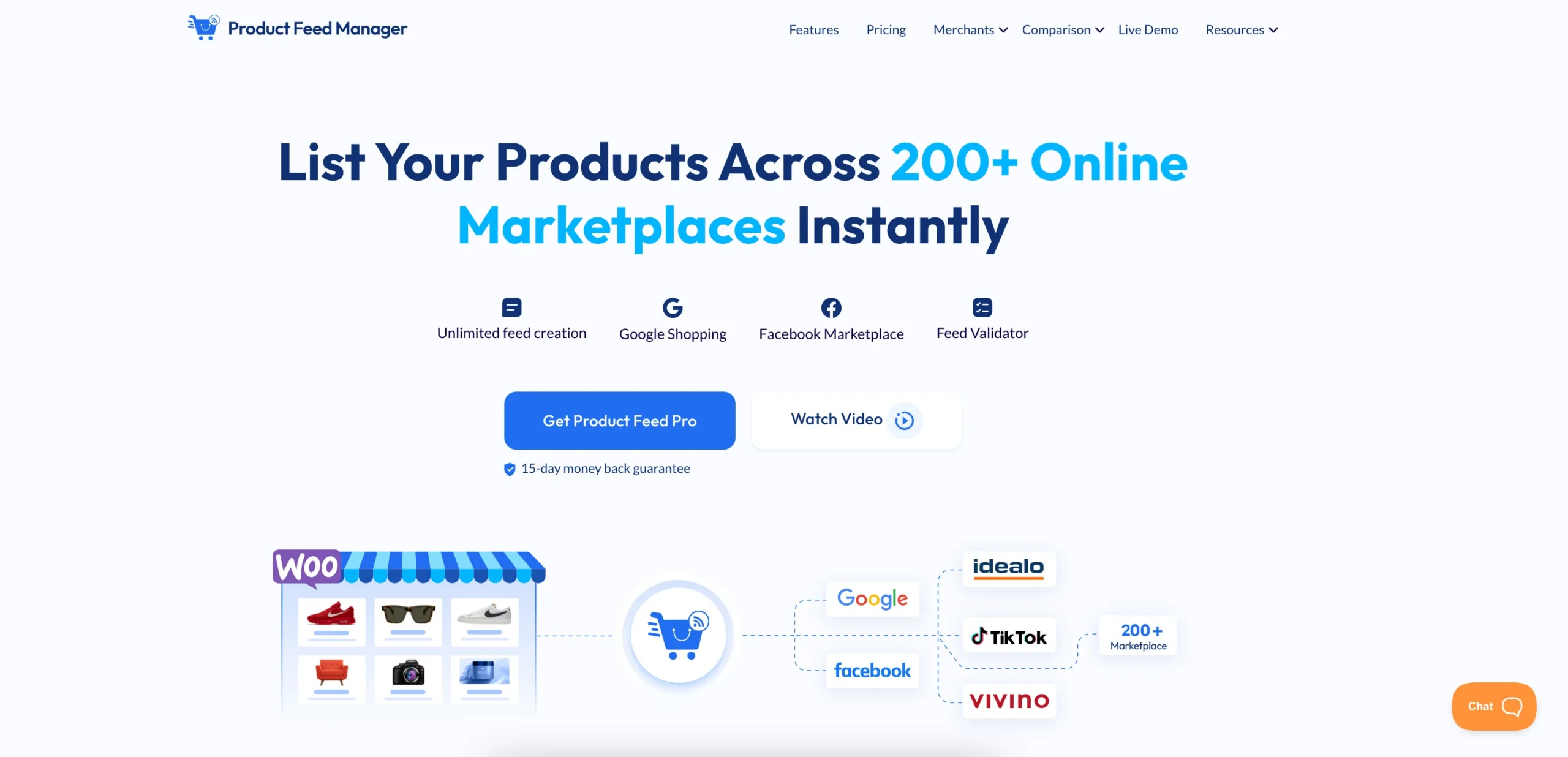
And the best plugin for Facebook product catalog sync in WooCommerce is Product Feed Manager by Rextheme, which generates a Facebook-ready catalog feed from your store and auto-syncs it, so your catalog stays current without re-uploading data after every change.
With PFM, you can:
- Adjust product details without editing each item individually
- Set simple rules to group products by margin, category, or performance
- Keep stock and pricing updated without constant manual checks
- Filter out products that are not worth promoting
The goal is not to add another layer to your workflow. It is to remove repetitive work and reduce the small mistakes that slowly affect performance.
Once your product feed for Facebook stays clean and consistent, scaling your ads becomes much easier and more predictable.
Learn more about how PFM works for Facebook Marketplace
Schlussfolgerung
If your product information is weak, increasing your ad budget won’t fix anything. You’ll just end up spending more money on ads that don’t convert.
When your Facebook product feed is clear, complete, and regularly updated, performance improves naturally. Better data helps Facebook show your products to the right people at the right time.
Before you scale your budget, fix the foundation first. A strong, optimized feed gives your ads a much better chance to succeed.
Once your feed is optimized, you can run Dynamic Product Ads more effectively. To make this easier, use Product Feed Manager by Rextheme to manage, optimize, and sync your WooCommerce feed without manual work.
** FAQs **
01. Why am I not getting sales from my Facebook catalog ads?
Your product feed may not clearly explain what you’re selling. If titles, images, or categories are weak, Facebook shows your ads to the wrong people. You should improve your feed so targeting becomes more accurate and conversions increase.
02. Why do my products get rejected even though they look correct in my store?
Facebook follows its own product data rules, not your store’s setup. Missing details like GTIN, brand, or wrong categories can lead to rejection. You should fix these issues directly in your feed to get approval.
03. How can I improve conversions from my product ads?
Low conversions usually mean your product data isn’t convincing enough. Shoppers click but don’t feel confident to buy. You should optimize titles, images, and pricing to make your products clearer and more appealing.
04. When should I increase my Facebook ad budget?
You should only increase your budget after your product feed is fully optimized. If your data is weak, spending more won’t help. Fix the feed first so your ads can perform efficiently.
05. What is the easiest way to manage and optimize my product feed?
Managing feeds manually takes time and leads to errors. You need a system that keeps everything updated automatically. You should use Product Feed Manager to simplify feed creation, optimization, and syncing.

![Show Your WooCommerce Products on ChatGPT & OpenAI Ads with Product Feed [2026] 2](https://rextheme.com/wp-content/uploads/2026/08/Show-Your-WooCommerce-Products-on-ChatGPT-with-OpenAI-Product-Feed-1-407x213.webp)