![Show Your WooCommerce Products on ChatGPT & OpenAI Ads with Product Feed [2026]](https://rextheme.com/wp-content/uploads/2026/08/Show-Your-WooCommerce-Products-on-ChatGPT-with-OpenAI-Product-Feed-1.webp)
Let me ask you something. When was the last time you opened Google to find a product… and when was the last time you just asked an AI instead?
Yeah. That change is happening to your customers too. They’re not typing keywords into a search bar anymore. They’re having a conversation and asking, “What should I buy?”
And here’s the thing I am telling you that should make you pause.
ChatGPT now has more than 900 million weekly active users, and more than 50 million consumer subscribers (OpenAI, Feb 2026).
That’s not a chatbot for writing emails anymore. That’s a storefront.
The best storefront in 2026 isn’t your homepage. It’s the answer a shopper gets when they ask an AI what to buy.
But let me tell you something that makes you uncomfortable. ChatGPT can only recommend products it actually knows about. It does not crawl your store. No data handed over means you’re invisible at the exact moment someone is ready to buy.
But now don’t worry, you don’t need code, a big budget, or a developer.
In this article, I’m going to tell you how to build a ChatGPT product feed and get your WooCommerce products into both ChatGPT’s organic shopping results and OpenAI Ads.
So, let’s get started,
TL;DR – ChatGPT & OpenAI Ads for WooCommerce Product Feed
- ChatGPT shows products in two ways: organic shopping (free) and OpenAI Ads (paid). Both read the same merchant-provided feed.
- It does not crawl your site. You push it a structured file, and that file helps to discover search and product discovery inside customer chat.
- A ChatGPT product feed carries your titles, prices, images, stock, and other structured metadata so the AI can surface relevant products.
- No coding needed. Build the product feed once → use it for organic shopping and a feed-based campaign.
- RexFeed (Product Feed Manager) has an OpenAI Commerce template and a ChatGPT ads template,
- Final verdict: RexFeed has an OpenAI Commerce template and a ChatGPT ads template, so you can easily generate your OpenAI Commerce feed.
Wait, People Actually Shop Inside ChatGPT Now?

I know it sounds strange the first time you hear it. But yes, and it’s bigger than you think.
ChatGPT processes roughly 50 million shopping queries per day about 2% of its 2.5 billion daily prompts.
That’s 50 million times a day someone asks an AI to help them decide what to buy. Obviously, it won’t show 50 million products, but at some points it shows products after back-end forth discustion of customers.
When ChatGPT senses buying intent, it can show product cards, images, price, availability, and a link, right inside the conversation.
It already recognizes products from brands like Nespresso and makes comparisons between options based on shopper preferences.
Let me give you a simple example,
Someone types “best eco-friendly yoga mat under $40” into ChatGPT. It doesn’t send them to a search engine. It just recommends a few mats. The only question that matters is this:
- Is your mat one of them?
That’s product visibility in the new AI commerce world. And it’s exactly why learning to show WooCommerce products on ChatGPT is quickly becoming one of the smartest moves you can make for your business this year.
Two Ways to Get Your WooCommerce Products on ChatGPT
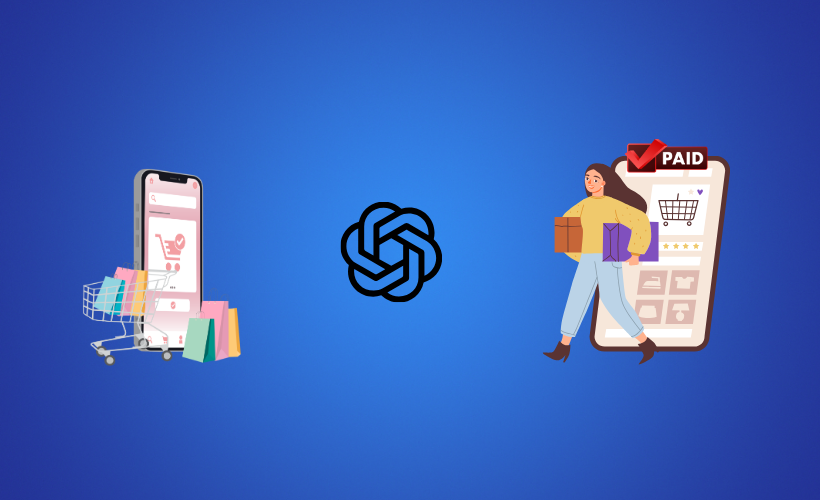
There are two ways to get your products in front of ChatGPT shoppers, and RexFeed supports both.
- Organic ChatGPT Shopping is free. Your products can appear based on the quality and relevance of your product feed.
![Show Your WooCommerce Products on ChatGPT & OpenAI Ads with Product Feed [2026] 1](https://rextheme.com/wp-content/uploads/2026/08/OpenAI-Commerce-.gif)
- ChatGPT Ads are paid. Your products can appear as sponsored placements during buying conversations, with visibility influenced by your campaign and relevance.
RexFeed now supports both channels for your WooCommerce Store, so you can create the right feed for each one and manage your ChatGPT product visibility with more control.
| Particular | Organic Shopping | OpenAI Ads |
|---|---|---|
| Cost | Free | Paid |
| How you rank | Feed quality + relevance | Bid + relevance |
| Who sees it | Shoppers asking questions | Shoppers in buying conversations |
| What powers it | ChatGPT product feed | ChatGPT Ads feed |
Two channels. The right feed for each. All managed with RexFeed.
Why ChatGPT Can’t See Your Store Yet

Let me clear up one of the biggest myths I hear from WooCommerce store owners:
ChatGPT will find my store eventually.
It won’t. Not on its own. And a WooCommerce ChatGPT product feed is what helps to solve your problem.
Unlike traditional SEO, where Google sends bots to crawl your website and discover your pages, ChatGPT uses structured product information to understand what you sell.
That’s where generative engine optimization (GEO) is different. You need to provide your product catalog in a structured format that ChatGPT can use.
For example, you hire a smart new salesperson but never give them your product catalog. They may be great at talking to customers, but they can’t recommend your products because they don’t know what you sell or what you currently have available.
Your ChatGPT product feed is like handing that salesperson your complete catalog. It follows OpenAI’s feed requirements and gives ChatGPT the important information it needs about each product.
| Format | Explanation |
|---|---|
| id | A unique ID for each product |
| title | A clear and specific product name |
| description | Product information written in natural language |
| link | Your live product page URL |
| price | The current product price |
| availability | Whether the product is currently in stock |
| image_link | The product image used for rich product cards |
| brand | The brand associated with the product |
| gtin / mpn | Product identifiers that help with product matching |
If you have thousands of products, doing all of this manually can quickly become a headache. You need to format the feed correctly, make sure every product has the required information, and update it whenever your prices, stock, or product details change.
The Easy Way: One Plugin, One Feed, Both Channels
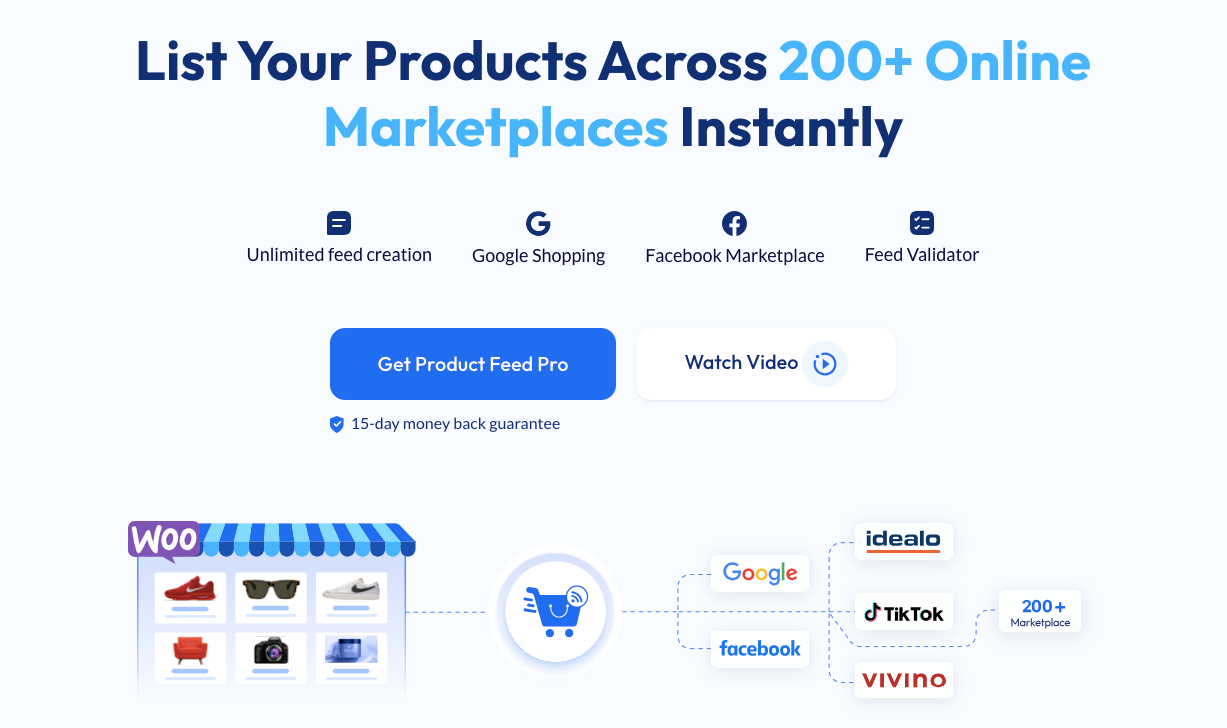
You don’t have to build everything manually. The easiest way to get your WooCommerce products ready for ChatGPT is to let a plugin create the feed for you.
RexFeed – Product Feed Manager connects your WooCommerce store with OpenAI’s product feed format. It’s designed to make the process simple, even if you’re not technical.
Here’s what it handles for you:
- No manual mapping: The OpenAI Commerce feed template maps the required product fields for you.
- No complicated formatting: You can generate the feed in formats such as JSON/JSONL, XML, CSV, and TSV.
- No manual checking: The built-in Feed Validator for OpenAI Commerce helps find errors before you submit the feed.
- Automatic updates: Schedule your feed to keep product prices, stock, and other details up to date.
Think of it as putting your product feed on autopilot. Your WooCommerce store has the product data, and RexFeed handles the formatting and updates needed for your ChatGPT feeds.
If you can select a template from a dropdown, you can create an OpenAI Commerce feed with RexFeed.
You don’t need technical knowledge or have to manually create every product entry. RexFeed can also handle variable products, so your product catalog stays organized as it grows.
One thing to check is the “material” field. If you don’t have material information for every product, make sure you map it to an appropriate default value.
The Validator can help you identify missing or incorrect fields before you submit the feed.
How to Create a ChatGPT Product Feed for Organic Shopping & OpenAI Ads
Now let’s get to the part that actually matters: creating your feed. With RexFeed, you can prepare your WooCommerce products for both ChatGPT Shopping and ChatGPT Ads without building everything from scratch.
Set Up Your Feed with RexFeed
You only need to do the main setup once:
- Install and activate RexFeed on your WooCommerce store.
- Create a new product feed and select the OpenAI Commerce template.
- Check the mapped fields and use RexFeed’s filters to remove products you don’t want in the feed, such as out-of-stock items.
- Run the Feed Validator to find missing or incorrect product information.
- Fix any issues the validator finds and generate your feed.
- Copy the feed URL and use it for your ChatGPT setup.
That’s the RexFeed part done. Now you can use the feed for the ChatGPT channel you want to set up.
For Organic ChatGPT Shopping
Take the feed URL you created with RexFeed and submit it through OpenAI’s merchant platform. Once your feed is connected, keep it updated so ChatGPT always has the latest product information.
RexFeed can handle scheduled feed updates, so you don’t have to regenerate the feed every time your store changes.
For ChatGPT Ads
For ChatGPT Ads, use your structured product feed in the ads setup and create your product feed campaign.
Your product information can then be used for the ads, including details such as product titles, descriptions, prices, and images.
Before launching, check the product preview and make sure everything looks the way you want. That’s It. You don’t need to manually create product entries or rebuild your catalog for ChatGPT.
RexFeed handles the feed creation, field mapping, filtering, validation, and updates. You can then use your product data for both organic ChatGPT Shopping and ChatGPT Ads.
Writing Product Data That Becomes Good ChatGPT Ads

Here’s something you should pay attention to: your product data can directly affect how your ChatGPT ads look and perform.
When your product information is clear and specific, ChatGPT has better information to understand what you sell and when it’s relevant to a shopper.
So, focus on the basics:
- Keep your titles clear: Say exactly what the product is instead of using vague marketing phrases.
- Write useful descriptions: Include the details that help shoppers understand the product and decide if it’s right for them.
- Keep your product information accurate: Make sure prices, availability, images, and links match what shoppers see on your store.
- Keep your landing pages accessible: Make sure shoppers and relevant crawlers can reach the product pages without unnecessary barriers.
Good product data gives ChatGPT better information to work with. And when the right product information reaches the right shopper at the right time, your ads have a much better chance of doing their job.
Getting Recommended, Not Just Listed
Being in the feed is only the first step. Getting picked is the real goal.
A complete and accurate ChatGPT product feed gives your products the information they need to appear with details like images and prices, instead of being mentioned without much context.
- Fresh product data matters: Keep your prices, stock, and other product details up to date so shoppers see accurate information.
- Automatic updates help: RexFeed can refresh your feed on a schedule, so you don’t have to keep regenerating it whenever your store changes.
If you already use product feeds for Google Shopping or social platforms, the idea is familiar. You’re simply making your WooCommerce catalog ready for another growing shopping channel: ChatGPT.
You can also simplify your WooCommerce workflow from day one with a WordPress MCP server. InstaWP includes a built-in MCP server that connects your site to compatible AI assistants, so you can ask your assistant to make changes and manage supported tasks as you build your store.
What It Costs You And What It Costs to Ignore It
Let’s be straight about it.
- The upside: Your products can reach shoppers who are already looking for what you sell, without adding another complicated system to your workflow.
- The downside of waiting: Other stores can get their products in front of those shoppers while yours stays out of the conversation. Every day you wait is another opportunity for a potential customer to discover a competitor instead.
There’s also one thing to keep in mind. ChatGPT shopping and ads are still developing, and it may take some time for your products to appear after your feed is submitted.
Conclusion
AI shopping is already here, and your customers are using ChatGPT to discover products. Your WooCommerce store can be part of those conversations.
A product feed gives ChatGPT the information it needs about your products, including prices, availability, images, and links.
You can prepare your store for both organic ChatGPT Shopping and ChatGPT Ads, giving you more ways to reach shoppers.
With RexFeed, you can create both feeds and get your WooCommerce products ready for ChatGPT with just a few clicks.
** FAQs **
1. Do I need to pay to create a ChatGPT product feed?
No, you can create and structure your product feed without paying for ChatGPT Ads. The feed is the foundation you need before submitting your products through OpenAI’s merchant system. You can start by getting your WooCommerce product data ready.
2. Will ChatGPT find my WooCommerce products automatically?
Not necessarily. You need to provide structured product information so ChatGPT can understand what you sell. A product feed gives ChatGPT details such as your product name, price, availability, image, and product page.
3. Do I need a developer to create the feed?
No, you don’t need coding skills to create a product feed with RexFeed. It handles the required field mapping, feed generation, and validation for you. If you’re comfortable using WordPress, you can manage the process yourself.
4. What product feed formats can I use?
The format you need depends on the requirements of the ChatGPT commerce channel you’re setting up. RexFeed supports formats such as JSON/JSONL, CSV, XML, and TSV. You can also schedule updates to keep your product information current.
5. Can I use RexFeed for both ChatGPT Shopping and ChatGPT Ads?
Yes, RexFeed supports both ChatGPT Shopping and ChatGPT Ads. You can create the appropriate feed for each channel and use them to get your products in front of different types of shoppers. This gives you more flexibility in how you use ChatGPT for your WooCommerce store.