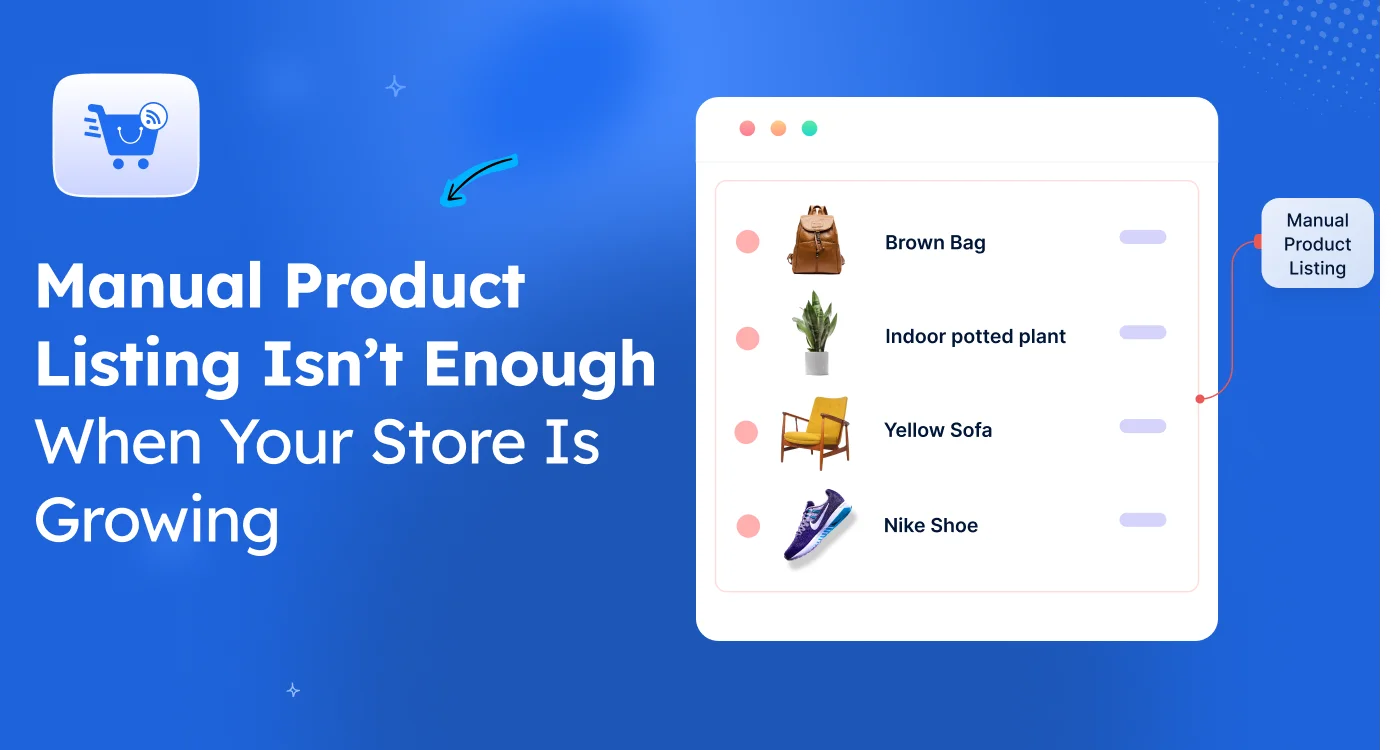
As a WooCommerce store owner, you’d think manual product listing is “free” because you’re not paying for a tool.
WRONG. You’re paying for it in hours.
According to Apimio, your team could be losing 15-20 hours every single week just updating product data manually
And the bigger your catalog gets, the more expensive those hours become.
You could keep editing each marketplace separately, checking if Amazon synced, re-uploading to Walmart, and fixing the description on Target. But that doesn’t mean your listings stay accurate.
In fact, the more channels you add, the more likely it is that your product data is already scatterted and you just haven’t spotted it yet.
So why are bigger stores not drowning in this same problem? It’s not because they have more people. It’s because they stopped doing it this way entirely.
Let me show you what actually breaks first when your store starts growing.
”I Can Manage Listings Manually” Feels True… Until The Catalog Starts Growing
When you first launch a WooCommerce store, this belief feels obviously correct.
You’ve got 20, maybe 40 products. You add one, edit a price when needed, and move on. Everything happens from one dashboard. There’s no real coordination needed — because there’s nothing to coordinate yet.
At this stage, your week looks like:
- A few uploads here and there
- Quick edits to titles, prices, or descriptions
- Everything visible inside WooCommerce
- No second-guessing where else a product exists
So the belief forms naturally: “I can keep doing this as the store grows.”
And honestly? At that size, you can.
The trap isn’t that manual listing is wrong. It’s that it works just well enough early on to convince you it’ll keep working later.
It doesn’t.
The shift happens quietly. Somewhere between adding your 80th and 150th product, somewhere around the time you launch on your second or third marketplace, the same daily routine starts producing different results. You’re doing the same work, but it stops being enough.
Here’s where the cracks first show up.
Once Your Store Grows, Product Updates Stop Staying Consistent Everywhere
The moment you list on a second platform, your product data stops living in one place.
A change you make in WooCommerce doesn’t push to Walmart on its own. A Walmart edit doesn’t tell Bing. Bing doesn’t sync to Target Plus. Each platform becomes its own copy of your catalog and each copy moves on its own schedule.
Here’s what that actually looks like across one week:
| Price update (Mon) | ✅ Updated | ✅ Updated | ❌ Old price | ❌ Old price |
| Stock change (Tue) | ✅ Updated | ❌ Out of date | ✅ Updated | ❌ Out of date |
| New description (Wed) | ✅ Updated | ❌ Old version | ❌ Old version | ❌ Old version |
You start repeating the same product update in multiple places
One change is no longer one task. It’s the same task, four times over:
- Update the product in WooCommerce
- Repeat it at Walmart
- Repeat it on Bing Shopping
- Open Target Plus, check it synced, fix it manually
You’re not adding more products. You’re just paying a tax on every change you make to the products you already have.
Different channels start showing different versions of the same product
You don’t notice this in the moment. You notice it later — usually when a customer messages, or when ad performance drops on one channel and you realize the listing’s been outdated for two weeks.
And here’s the part most store owners don’t see early enough — Salsify’s consumer research found that 46% of US shoppers won’t return to a retailer after a poor product information experience.
Inconsistent prices. Wrong stock status. Mismatched descriptions across platforms.
These aren’t cosmetic issues. They’re the kind of thing that quietly kills repeat traffic on channels you’ve already spent money to win.
As Your Catalog Grows, Manual Updates Become Harder To Manage
Here’s a number worth sitting with.
If you sell 100 products across 4 marketplaces, that’s 400 individual listings to keep in sync. Every price change touches 4. Every description tweak touches 4. Every seasonal update, every supplier change, every promo — 4 updates each.
Add a fifth marketplace and you’re at 500 listings. Add a sixth and you’re at 600.
You haven’t added more products. You’ve just added more places where the same product can break.

You keep repeating updates across WooCommerce and marketplaces
This stops being a workflow and starts being a memory exercise.
You’re now tracking:
- Which products you updated this week
- Which channels you’ve already pushed updates to
- Which channels still need it
- Which ones reflected the change but only partially
- Which ones you think you updated but aren’t sure
There’s nothing wrong with your process. There just isn’t a process that scales here — only effort that scales.
It becomes difficult to track which product version is actually live
This is the part most store owners realize too late.
You stop trusting your own listings. You open a product on Walmart and you’re not sure if it’s the current version. You check Bing and you have to compare it against WooCommerce manually. Multiple versions of the same product exist at the same time, and you’re the only system holding them together — by remembering.
That’s not a system. That’s a single point of failure.
The Real Issue Is Keeping Product Information Consistent Across All Channels
Let me make this concrete.
Say you run a home office store on WooCommerce — ergonomic chairs, desk lamps, monitor stands, keyboard trays. At 40 products on WooCommerce alone, everything feels manageable.
Now you expand. You hit 200 products and you launch on Walmart Marketplace, Bing Shopping, and Target Plus. Each platform has its own listing format, its own attribute requirements, its own approval timeline, its own update lag.
You change the price on one of your bestseller chairs. By the end of that week, here’s what’s actually live across your channels:
- WooCommerce: new price ✅
- Walmart: still showing last week’s discounted price (you forgot to push the update)
- Bing Shopping: updated stock but didn’t update price
- Target Plus: price updated, but the description still references a promotion that ended two weeks ago
None of this is your fault. You did the work. The system is the problem — because there isn’t one.
Each marketplace starts holding its own version of your product data
Without a single source of truth, every platform becomes its own truth.
Your WooCommerce store is updated. Walmart isn’t. Bing is half-updated. Target Plus is showing data from three states ago.
None of these listings are “wrong” individually. But together? They’re describing four different products to four different audiences.
You spend more time fixing mismatches than updating products
This is the moment the belief flips.
You stop asking “what new products should I add this week?” and start asking “which of my existing listings is currently lying to a customer?”
That’s not growth work. That’s damage control.
And the real cost isn’t even the 20 hours a week. It’s that those 20 hours come out of the time you should be spending on the work that actually grows the store — improving products, running campaigns, talking to customers.
Manual product listing stops working when your store scales
There’s a quiet inflection point in every growing WooCommerce store. And most owners only spot it in hindsight.
It’s the week you realize you’re spending more time updating listings than running the business. It’s the customer message that surfaces a mismatch you didn’t know existed. It’s the marketplace ad that underperformed because the listing was already two weeks stale when it ran.
That’s the moment manual product listing isn’t a workflow choice anymore.
It’s a growth ceiling.
What works at that point is shifting from updating each channel separately to managing one product source that pushes updates everywhere. With Product Feed Manager for WooCommerce, you build your feed once, and the same product data flows out to every connected marketplace, Walmart, Bing Shopping, Target Plus, and 200+ others — automatically, in sync, without the daily cleanup.
You stop maintaining four versions of the same product. You maintain one.

FAQs
1. Is manual product listing enough for a small WooCommerce store?
Yes, manual product listing works well when your store is small. With fewer products and updates, you can easily manage everything from one dashboard without major complexity.
2. When does manual product listing start becoming a problem?
It starts becoming difficult when your product catalog grows and you begin selling on multiple marketplaces. At that point, updates need to be repeated in several places, which increases workload and inconsistency risk.
3. Why do product details become inconsistent across platforms?
Inconsistencies happen because updates made in WooCommerce don’t automatically sync across other marketplaces. Each platform holds its own version of product data, which leads to mismatches in price, stock, or descriptions.
4. What issues do store owners face with manual product updates at scale?
Common issues include repeated updates across platforms, outdated product information on some channels, and confusion about which version of a product is currently live.
5. How can WooCommerce stores manage product listings more efficiently?
Stores typically move toward a centralized product feed approach, where product data is managed in one place and synced across multiple marketplaces to reduce manual updates and maintain consistency.
6. What’s the actual difference between manual listing and using a product feed?
Manual listing means updating each marketplace separately every time something changes. A product feed means you maintain your data once in WooCommerce, and the feed pushes that data to every connected marketplace automatically, on a schedule you control.

![Show Your WooCommerce Products on ChatGPT & OpenAI Ads with Product Feed [2026] 2](https://rextheme.com/wp-content/uploads/2026/08/Show-Your-WooCommerce-Products-on-ChatGPT-with-OpenAI-Product-Feed-1-407x213.webp)