
If you run a WooCommerce store, chances are you’re already listing your products on Google Shopping, or thinking about it.
Why not? It puts your products in front of more buyers with far less effort than most other channels.
And with the deal season coming up, you’re probably restocking your best sellers or bringing in new products, which means your product feed needs to stay updated and error-free.
But there is an issue many WooCommerce store owners face that you do not want.
You Submit Your Feed, But Are The Products Live?
Here’s a scenario a lot of WooCommerce store owners run into during the deal season: you upload your products to Google, wait for review, and then find out the next day that a chunk of them got disapproved.
Most of the reasons are easy to fix, such as wrong attributes, missing information or even a mismatch of price, but since you can’t know beforehand, you get caught off guard.
And this is an interruption nobody likes.
You’d expect the products to be approved, and you work on preparing your store for conversion, or maybe get ready to set up Product Ads.
But now, you will be stuck spending additional time fixing the issues one by one when you were ready to move things forward.
Well, let’s change that.
Introducing Feed Validation – Catch Errors Upfront!
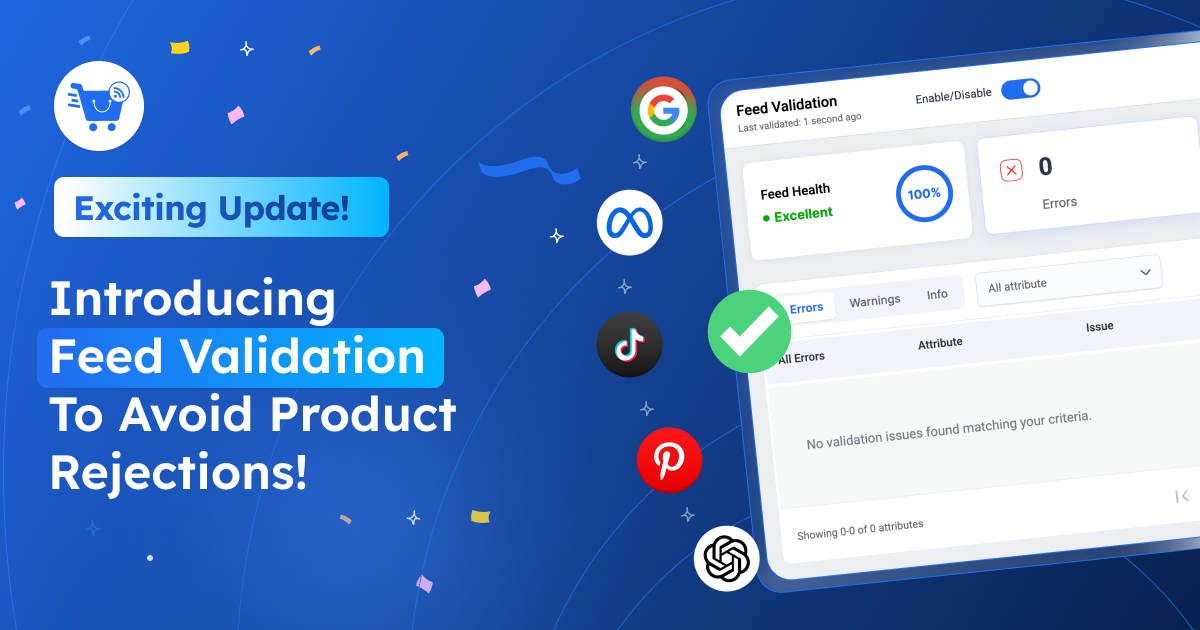
After a couple of months of thorough research trying to solve the issue discussed above, we are happy to introduce “Feed Validation” in Product Feed Manager – RexFeed!
Here’s why this will make a huge difference.
Merchants like Google Shopping, Facebook Marketplace, TikTok Marketplace, etc., have specific requirements you need to meet to submit a product feed.
And if the feed has errors, products are often disapproved, meaning your products won’t reach buyers.
With Feed Validation, the moment you generate a feed, RexFeed checks for errors that are likely to get your products disapproved by Google (or your desired marketplace) and tells you exactly which products have issues and what to fix in them.
So instead of submitting a feed and hoping for the best, you get the full picture upfront. You get to fix the flagged products, regenerate the feed, and then submit it to Google Shopping, all before review even starts.
That means you get fewer surprises or disapprovals, and more time to focus on what actually grows your store, i.e., selling products, serving customers, managing inventory, while Google Shopping does the work of putting you in front of new buyers.
Get Feed Validated For 5 Major Marketplaces
Right now, Feed Validation is compatible with 5 major online marketplaces:
- Google Shopping
- Meta
- Tiktok
- OpenAI Commerce
So if you are generating a feed for any of these, the feature will trigger automatically.
Here’s How Feed Validation Works Automatically
Normally, with RexFeed, you choose a merchant, configure attributes, and then generate the product feed.
But now, if you generate the feed for any of the 5 compatible merchants, right after the feed is generated, if you scroll down, you will get a specific section called Feed Validation.
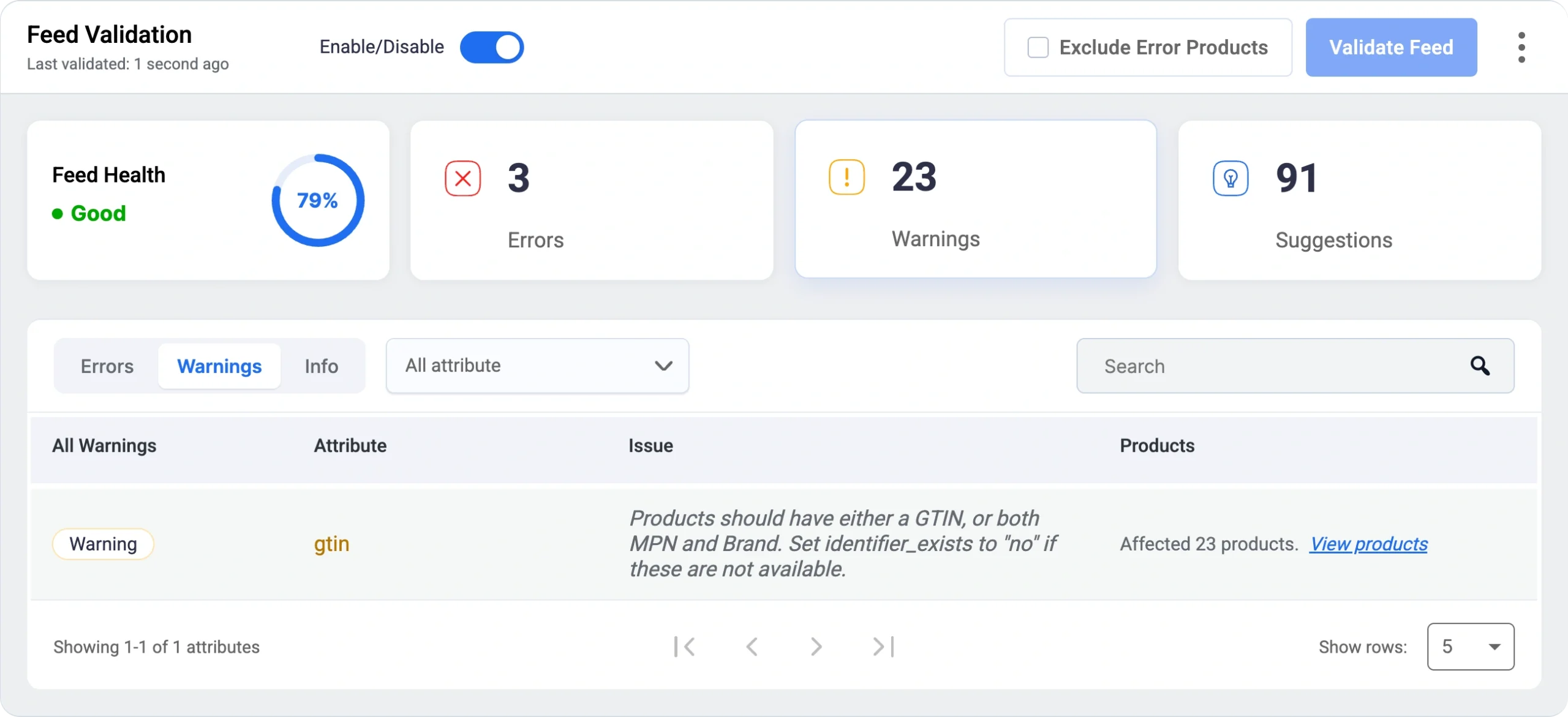
Here, it will indicate the possible issues you have that could get certain products disapproved or deprioritized for visibility.
You will find these 4 notices:
1. Feed Health
It simply gives you a status on how likely most of your products are to be approved.
You will get 3 different statuses:
- Excellent – If over 90% of product data is acceptable.
- Good – If below 90%, but above 50% of the product data is acceptable.
- Poor- If less than 50% of the product data is acceptable.
2. Errors
“Errors” identify critical issues with the product feed that must be fixed or else certain products will surely get disapproved.
A common example is a product missing its price.
If you click on Errors below, all the current errors will be listed, where you can view the products affected.
You can then fix the products listed here and update the feed again to get the Errors resolved.
3. Warnings
Warnings help to identify issues in the feed that are highly recommended to be fixed by the marketplaces; otherwise, it may limit visibility, and some product types may not even get distributed.
4. Suggestions
Suggestions are the good-to-have fixes you may do to improve visibility, but they are not necessarily mandatory or too impactful in terms of results. It’s totally up to you if you want to fix these. But leaving them as they are probably won’t get your products disapproved.
It’s detected automatically. You just fix and update
The whole validation process triggers automatically when you generate a feed. You simply focus on fixing the errors so that the product feed you submit will be accurate.
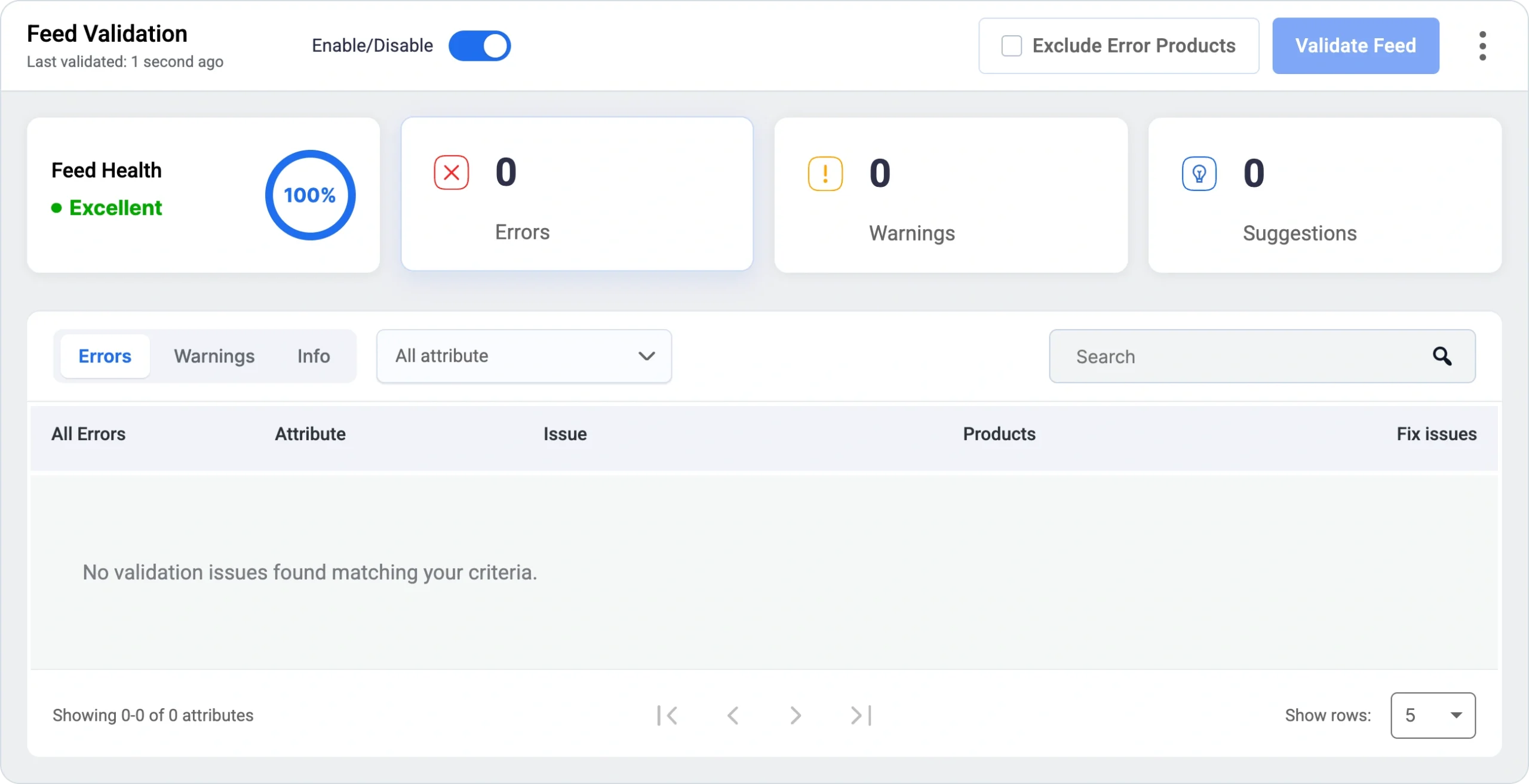
Once you fix all the feed errors, you may update it, and the Feed Validation section will reflect accordingly.
Submit With Confidence
Once your feed is validated, you have two ways to get your products live:
- Use auto sync to send your products straight to Google.
- Copy the feed URL and submit it manually through Google Merchant Center.
For other marketplaces, follow the submission process they require.
Either way, you’ll know most of your products will be live by the time the review is done, without the guesswork you’d normally be dealing with.
What’s Next?
As you know, this is currently compatible with 5 major marketplaces. We will add more over time.
But right now, we would appreciate it if you could help us out with some quick feedback on how we can improve this feature further.
We want to ensure you get to work less on “product feed” and more on growing your business, and this feature is only a step towards that. So your feedback will certainly help us make the plugin even more powerful.
Start Using RexFeed And Have A Successful Deal Season
Get prepared for the deal season early so that you can focus more on conversions, inventory management, and customer happiness.
And with feed validation, have more confidence in listing your products on Google Shopping!
And if you haven’t already, start using RexFeed now!
Wishing you a fruitful deal season ahead!

![Show Your WooCommerce Products on ChatGPT & OpenAI Ads with Product Feed [2026] 2](https://rextheme.com/wp-content/uploads/2026/08/Show-Your-WooCommerce-Products-on-ChatGPT-with-OpenAI-Product-Feed-1-407x213.webp)