![WPVR is The Easiest & Most Effective Way to Turn Photos into a Virtual Tour [2026]](https://rextheme.com/wp-content/uploads/2026/04/Photos-Videos-Get-Views-But-Virtual-Tours-Increase-Customer-Engagement.webp)
You might think creating a virtual tour is something complicated, expensive, and only possible if you have a tech team or a big budget.
That’s exactly why most people still stick to photos even when they know photos alone don’t fully help buyers experience a property.
But in 2026, things have changed.
You don’t need coding skills, technical knowledge, or a big budget to turn your photos into a virtual tour. If you already have your images ready, you’re already halfway there.
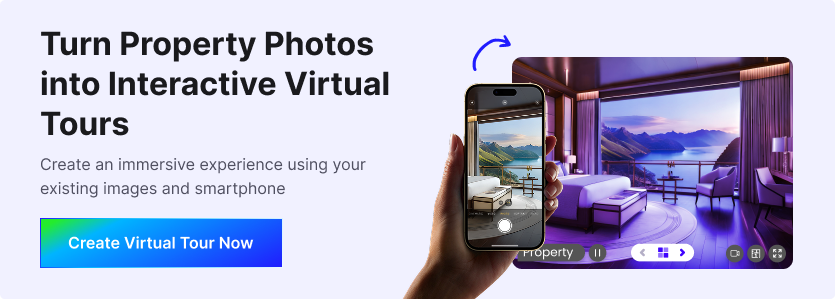
Today, tools are built in a way that makes the whole process simple and fast. You just upload your photos, connect them, and your virtual tour is ready in minutes.
In this guide, you’ll learn how you can easily turn your photos into a virtual tour, why it’s no longer expensive, and how WPVR makes it simple for anyone to get started.
TL;DR – Turn Photos into a Virtual Tour
- Virtual tours help you get more engagement and faster decisions.
- You don’t need technical skills or a tech expert to create one.
- With WPVR, you can build a tour in 5 minutes.
- Simple steps: Take panoramic photos → Upload to WPVR → Add scenes → Add hotspots → Publish & share
- A good tour should have clear images, smooth navigation, and interactive hotspots.
- It’s not expensive anymore; you can start for under $10/month or even for free.
- Most buyers prefer to explore properties online before visiting.
- Final Verdict: You can easily turn your photos into a high-converting virtual tour with WPVR.
Virtual Tours Are Not Optional
Today, buyers don’t just want to see your property; they want to experience it before they decide.
Photos and videos do help. However, they often don’t give a complete feeling of the space, layout, or flow inside a property.
As a result, buyers are left guessing instead of getting clarity.
That is why virtual tours are no longer just a “nice to have” feature. Instead, they have become something buyers naturally expect when exploring properties online.
Ultimately, it helps you show more, explain less, and make it easier for buyers to understand your property with confidence without being a tech expert.
You Don’t Need A “Tech Expert” to Create Virtual Tours

You don’t need to be technical or hire someone just to create a virtual tour.
Most of the work is actually already done when you take your photos. If you can take clear images of a space, you are already ready to start.
Now, tools are built to make everything simple for you.
For example, the WPVR plugin is designed in a way that you don’t need any coding or technical setup. You just upload your photos, connect them, and the tool helps you turn them into an interactive virtual tour.
So there is no need for a tech expert or complicated process. You only need your photos ready, and the tool takes care of the rest.
It Literally Takes 5 Minutes to Create One
Step 1: Take Panoramic Photos of Your Room
Start by taking images of your room from every corner so you don’t miss any part of the space. This helps you capture the full view of the room, naturally and completely.
For example, you can take panoramic images using your Android phone, iPhone, a panoramic camera, or even a drone if needed. This gives you a wide and realistic view of the entire room in one shot.

Make sure you move slowly and cover the entire area while taking the photo. This helps your image stay smooth without missing any important detail.
2. Upload Your Photos to WPVR
After capturing the panoramic images, you should upload them to your virtual tour. This is where your photos start turning into an interactive experience.
For example, if you are using WordPress, you can easily add your images using WPVR inside your website dashboard. You simply create a new tour and upload your panoramic images.
You can add them one by one or all at once inside the builder. Once uploaded, your images are ready to be turned into scenes and connected into a full virtual tour.
Step 3: Add Scenes to Your Tour
A scene is simply one view or one room inside your virtual tour. Each scene shows a different part of the property.
After uploading your images, you need to turn each one into a scene. This helps you organize your tour in a clear way.
For example, you can create separate scenes for the living room, bedroom, and kitchen inside WPVR. Each room becomes one scene in your tour.
Make sure you add all important areas as scenes. This keeps your tour complete and easy to explore.
Step 4: Add Hotspot to Your Virtual Tour
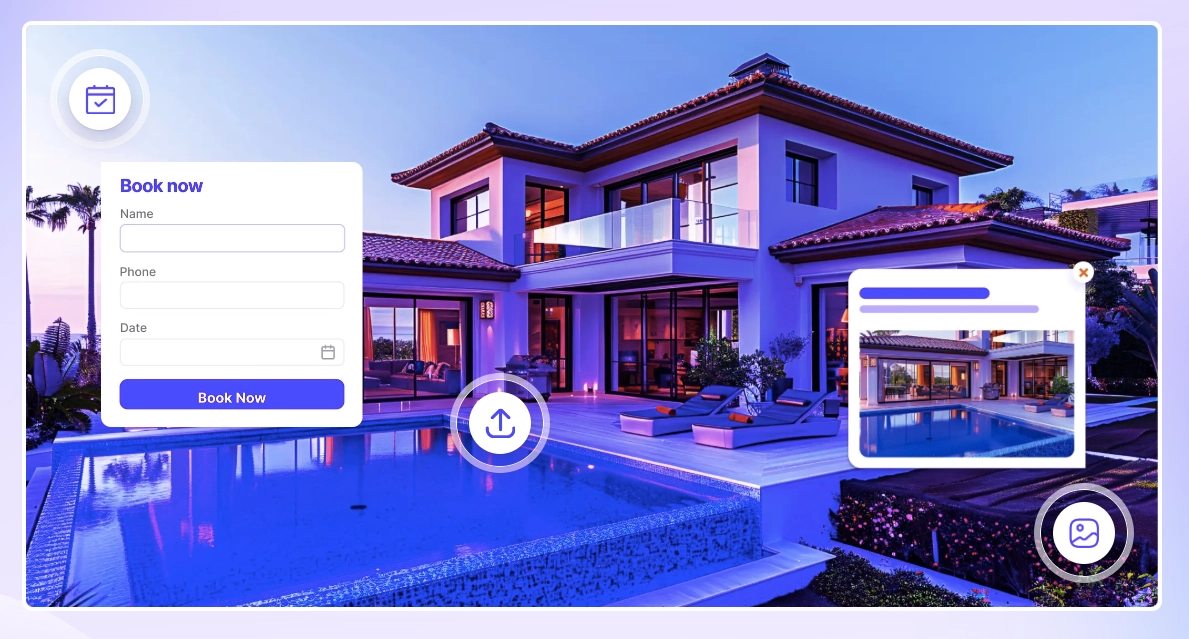
Hotspots are clickable points that connect one scene to another inside your virtual tour. They help users move around the property in a simple and interactive way.
For example, you can add a hotspot in the living room scene that takes users to the kitchen. So when someone clicks, they can smoothly move from one space to another.
You can also use navigational hotspots to give extra details about your property & show information, images, or even videos for a specific room or feature inside your tour.
Step 5: Publish Your Tour & Share
Once everything is ready, the final step is to publish your virtual tour. This makes your tour live and ready for people to view.
For example, after finishing your setup in WPVR, you can click publish, and your tour goes live on your website. You can then share it with buyers or add it to your property listing.
After publishing, you can easily share the link or QR code anywhere, like social media, emails, or your website. This helps more people explore your property anytime without physically visiting.
Thus, you can make a virtual tour easily with your photos in under 5 minutes. At first, it may seem like taking a little extra time, but when you create it once, you will take 5 or 10 minutes if you have photos.
But Isn’t It Expensive? Not At All

Many people think virtual tours are expensive because big companies made it look that way.
For example, platforms like Matterport and some agencies often charge high setup and monthly costs, which makes it feel out of reach for small users.
But the reality is very different today. You don’t need to spend thousands or hire an agency anymore.
Now you can create and run a virtual tour for as low as $100 a year, which is less than $10 a month.
In some cases, you can even start for free using tools like WPVR, depending on your needs.
So instead of being expensive, virtual tours have actually become very affordable and accessible for anyone.
Quick Look At WPVR
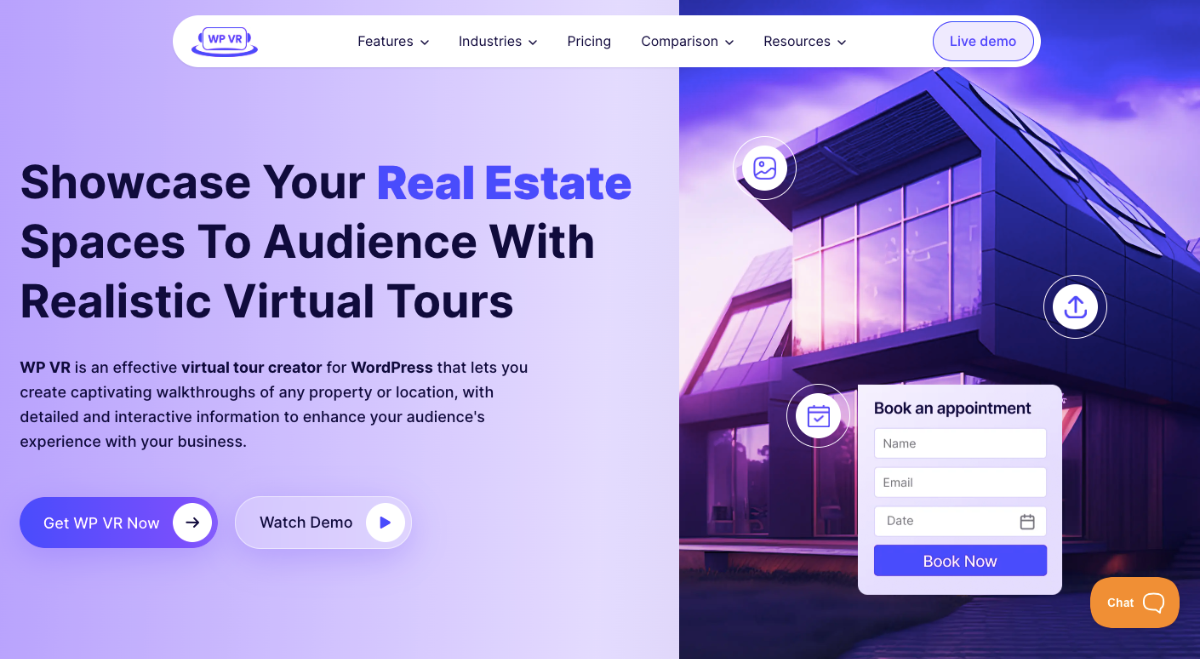
WPVR is a simple WordPress plugin that helps you turn your photos into interactive virtual tours. You don’t need coding or technical skills to use it.
You just upload your panoramic images, add scenes, and connect them with hotspots. It helps you create a smooth, clickable experience for your visitors in minutes.
It is mainly built for real estate, hotels, travel, and anyone who wants to show spaces in a more engaging way. So instead of static images, you give people a real walkthrough experience.
** Frequently Asked Questions **
1. Do I need technical skills to use WPVR?
No, you don’t need any technical skills or coding knowledge to use it. You can easily upload your photos and build a virtual tour step by step, and everything is designed to be simple for beginners.
2. What if my photos are not professional? Will it still work?
Yes, it will still work even if your photos are not professionally taken. Clear and well-lit images are enough to create a good virtual tour, so you don’t need expensive equipment to get started.
3. Do I need to hire an agency to create a virtual tour?
No, you don’t need to hire any agency for this. WPVR lets you create everything on your own, which helps you save a lot of money and time.
4. How much time does it take to create a virtual tour?
It usually takes only a few minutes if your photos are ready. The process is simple, from uploading to publishing your tour, so you can complete everything in one short session.
5. Can small businesses use virtual tours easily?
Yes, it is perfect for small businesses, agents, and individuals. You don’t need a big budget or a technical team to start, and anyone can use it to showcase their space professionally.
Conclusion
Virtual tours are no longer something complex or only for big agencies. You can easily create them using your own photos and a simple tool without any technical stress.
With WPVR, the entire process becomes smooth, fast, and beginner-friendly. You don’t need coding skills or outside help to get started.
This helps you present your property more engagingly and interactively, which actually builds trust. Buyers can clearly understand the space before they even plan a visit.
And the best part is, it is very affordable to start today. You can build virtual tours for less than $10 a month, and in some cases, even start for free.