![13 Best Virtual Tour Software for Real Estate Agencies [2026]](https://rextheme.com/wp-content/uploads/2026/02/How-Real-Estate-Open-Houses-Waste-Your-Whole-Day-with-The-Wrong-Buyers.webp)
I’ve worked with real estate agencies that had great listings but struggled to get enough buyer attention. In most cases, the issue wasn’t the property; it was how it was presented online.
The difference comes from using the right virtual tour software. Listings become more engaging, easier to share, and far more professional, catching the attention of both buyers and sellers.
According to DoorInsider, 80% of sellers prefer an agent who offers virtual tours.
This is why virtual tour software has become essential today. It helps you win listings, build sellers’ and buyers’ confidence, and improve how properties are marketed.
In this guide, I’ll show you the best virtual tour software for real estate agencies that are practical, easy to use, and proven to make an impact.
So let’s begin,
TL:DR – Real Estate Virtual Tour Software
- Virtual tours are crucial to showcase properties and increase buyer engagement.
- An ideal real estate virtual tour should include:
- 360-degree views to explore every corner
- floor plans to explain layouts clearly
- Live video walkthroughs for real-time guidance
- Branding & customization to promote your agency
- Analytics to track viewer engagement and improve follow-ups
- The top 5 virtual tour software are highly recommended:
- WPVR – Best for WordPress users, easy to create real estate virtual tours directly on your site.
- Matterport – Best for high-end 3D tours, premium quality, and digital twin support.
- CloudPano – Best fast and versatile builder with strong customization and mobile support.
- Zillow 3D Home – Best free entry-level option, integrated with Zillow listings for wider reach.
- Kuula – Best for interactive hotspots and WebXR support, ideal for VR and multimedia tours.
- Final Verdict: Choose the tool based on your platform, budget, and property type. To create a real estate virtual tour on WordPress, WPVR is the top choice.
Key Features in Virtual Tour Software for Real Estate
When considering virtual tour software for real estate, there are several key features that you must have to make sure you can create a virtual tour that is appealing to your potential buyers.
Here are the features to look for in the best virtual tour software for creating engaging 360 virtual tours, 3D real estate walkthroughs, and real estate video tours:
- 360-Degree Views: Buyers can look around the property from every angle, which helps you show the space clearly. It builds interest before a visit.
- Floor Plans: AI floor plans show the layout in a clear and simple way, giving you an easy way to explain the space. Buyers see how rooms connect.
- Live Video Walkthroughs: Live video walkthroughs let buyers tour the property remotely while you guide them. It adds a personal touch without meeting in person.
- Easy-to-Use Interface: A simple interface makes virtual tours quick to create and easy to manage, saving you time. You can focus more on clients.
- Mobile Responsiveness: Mobile-ready tours work smoothly on any device, helping you reach more buyers. Most people can view them on their phones.
- Interactive Hotspots: Interactive hotspots show details, photos, or videos inside the tour, allowing you to highlight key features. They keep buyers interested.
- Branding & Customization: Custom branding keeps your logo and style visible throughout the tour, helping you stand out. It builds trust with buyers.
- Analytics: Analytics show how buyers view and explore your tours, helping you understand their interest. You can follow up at the right time.
- Customizable Branding: Your branding should be prominently displayed within the virtual tours through watermarks and logos. This ensures buyers can easily recognize your work.
Other than these, the more features you get, the more attractive, the better. For example, having a scene gallery, interactive floor map, navigation icons, background music, etc., is great to make the tour more enjoyable.
You will even find tools that have support for VR glasses & custom introductory videos, which can be great for attracting high-value buyers.
If you want to create a real estate virtual tour for free, you can do it with WPVR.
13 Best Real Estate Virtual Tour Software
Now, I am going to describe the best 12 virtual tour software for your real estate agency, in which the first 5-6 tools are the most popular and professional. You can compare all 12 tools below:
| Tool | Best For | Free Plan | Preisgestaltung |
|---|---|---|---|
| WPVR | Real Estate Virtual Tour Creator for WordPress | Ja | $99.99/ yearly |
| Matterport | Premium Listings & High-End Clients | Yes (limited) | ~$14–$355/month |
| CloudPano | Scaling & Agencies | No (trial only) | ~$22.50–$199/month |
| Zillow 3D Home | Zillow Listings Visibility | Ja | Per Transaction Fee |
| Simple Virtual Tour | Self-Hosted & Cloud Options | Yes (Cloud Hosted) | $35–$242 for self hosted |
| Kuula | Beginners & Fast Setup | Yes (limited) | ~$24–$48/month |
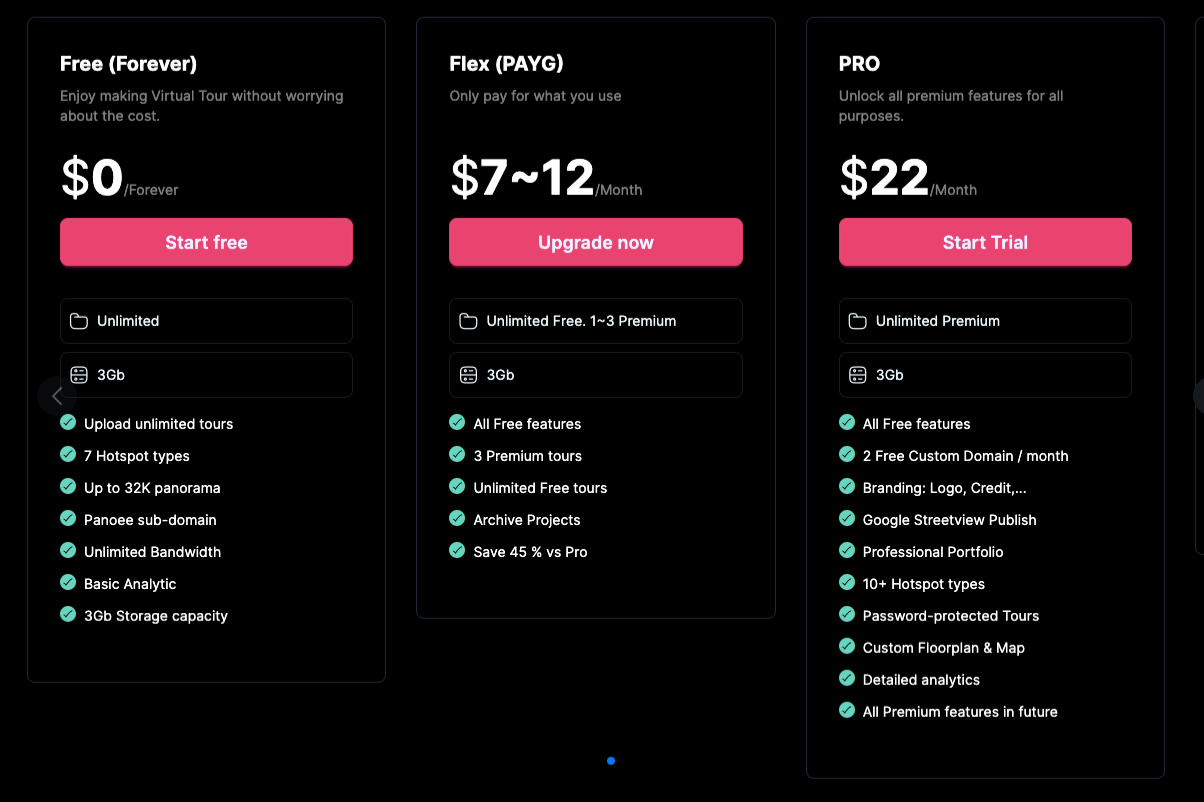
| Panoee | High Flexibility | Ja | ~$7-22/month |
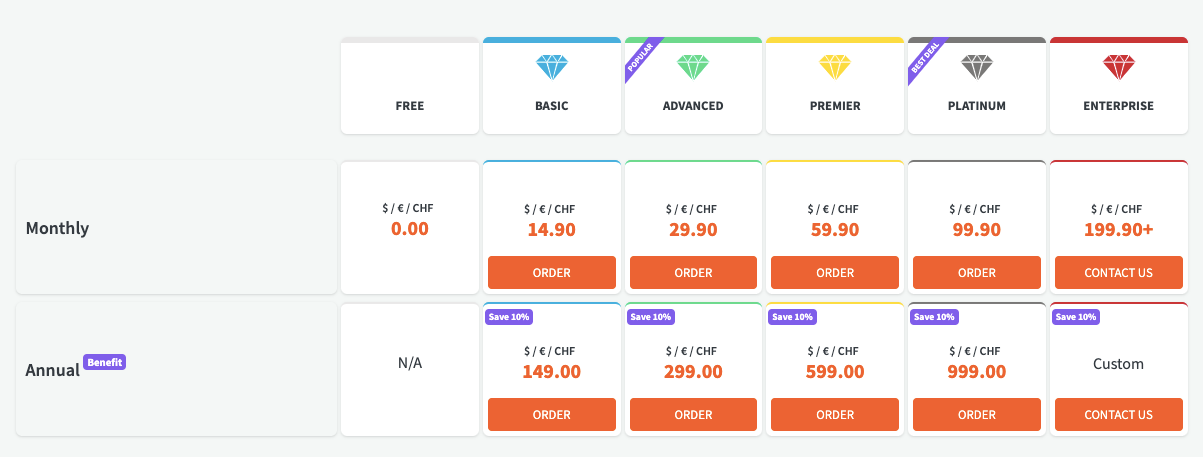
| Klapty | Hosting & Sharing Tours Easily | Ja | ~$14.90–$199.90/month |
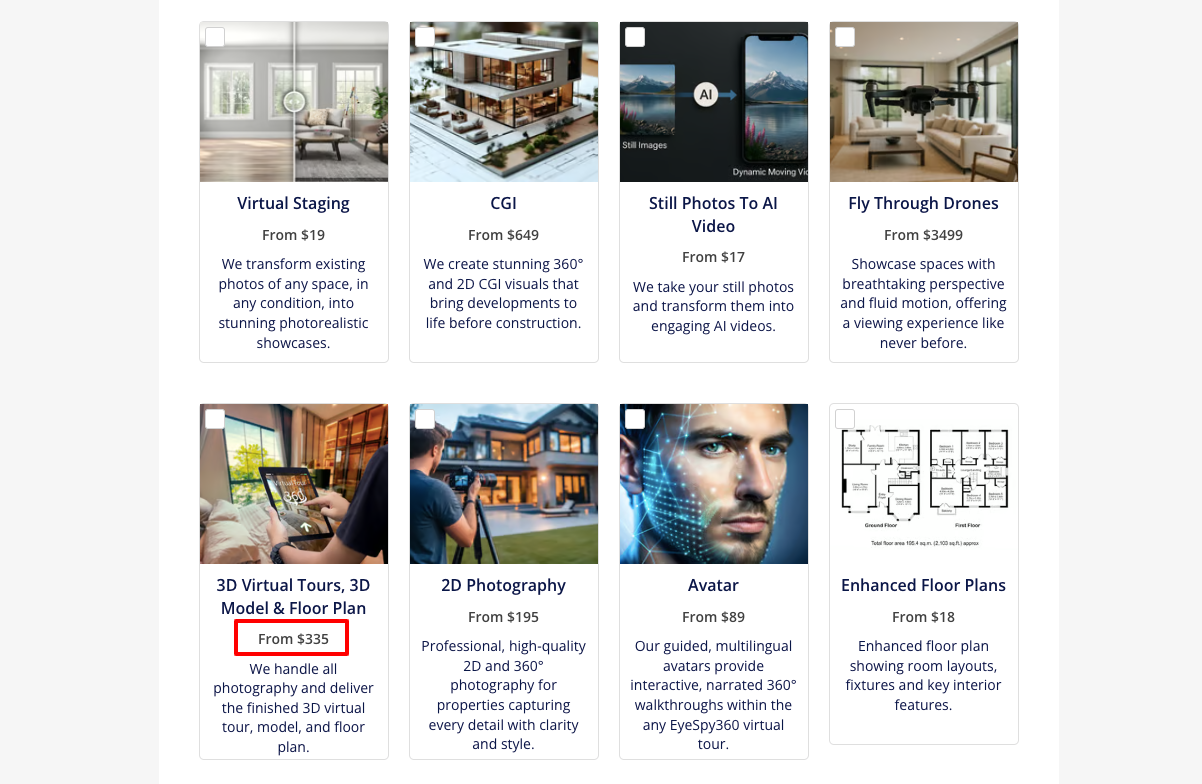
| EyeSpy360 | Live Guided Virtual Tours (Service) | Ja | ~$335 /service |
| Real Estate Exposures | Marketing Packages (Service) | Nein | Custom pricing |
| iStaging | VR + AR Experiences | Ja | ~$5–$390/month |
| Lapentor | Simple Custom Tours | Ja | $25/month |
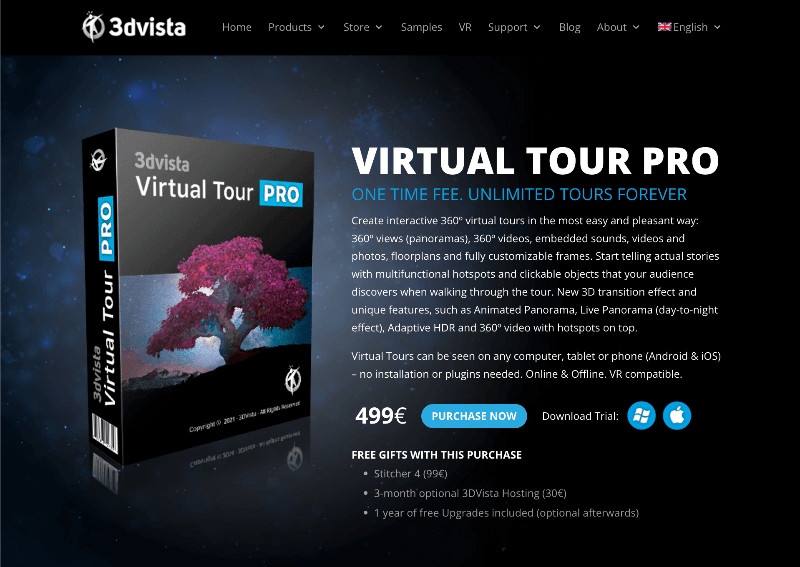
| 3DVista | Custom Branded Experiences | Nein | ~$499 one-time |
Let’s see each one separately.
1. WPVR – Best Real Estate Virtual Tour Creator for WordPress
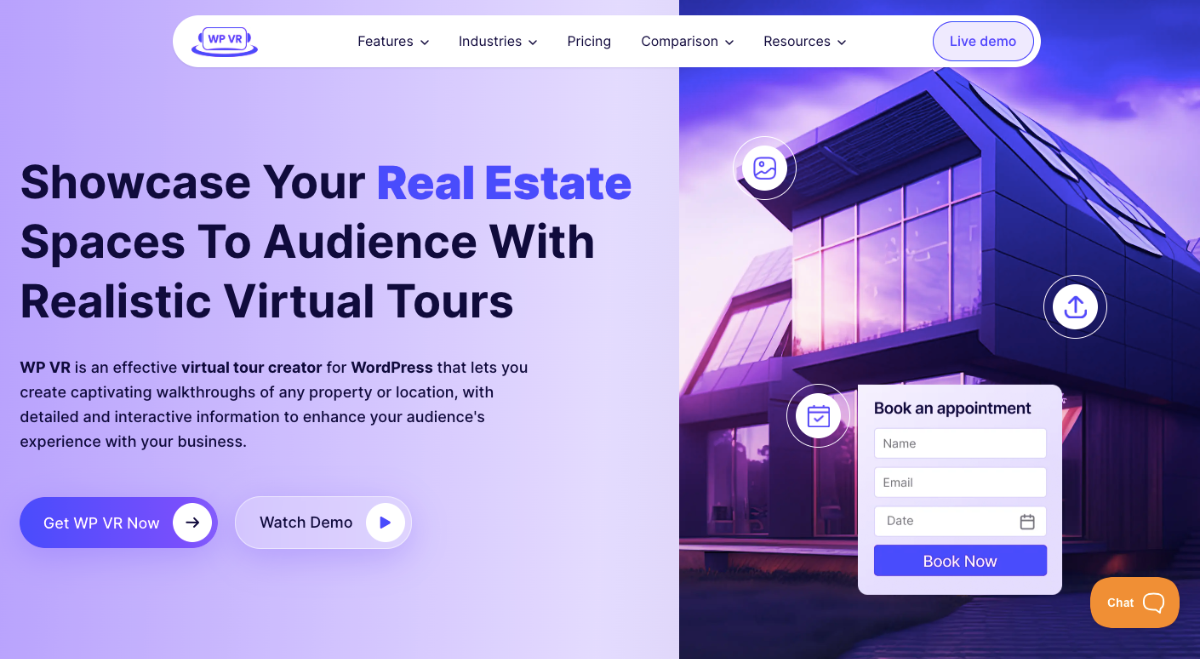
WPVR is the leading professional virtual tour creator in WordPress. It has the simplest UI that will let you create virtual tours within a few minutes without having any prior knowledge.
All you need to do is upload 360 panoramic images of the property you’re selling, and the tool will help you transform each image into a realistic virtual tour.
It comes with both a free and a pro version. The pricing of this tool is very reasonable, and the best part is that you can embed this software even in non-WordPress websites.
This tool comes with everything you need, such as interactive hotspots, branding media placements in the tour, floor plans, scene gallery, etc., to make the virtual tours super engaging.
If you’re looking for a very reasonable way of boosting your real estate sales, WP VR will be one of the best options for you.
Schlüsselmerkmale:
- Connect multiple scenes to craft a realistic tour
- Interactive hotspots to offer information and create engagement
- Scene Gallery to showcase all the rooms and features
- Custom navigation icons for easy control
- Gyroscope support for mobile devices
- Fluent Forms integration to add contact forms or book forms
- Company branding info customization
- Embedded virtual floor plans
- VR Glass Support [Google Cardboard]
- Introductory Explainer video
- 360 Video tour creation
- Google Street View tour creation
- WooCommerce integration for virtual showrooms
- Option to embed a tour on external websites.
Preisgestaltung:
- Free: Available on WordPress Repository with the option to create unlimited tours with limited features.
- Starter: $99.99 per year for 1 site
- Pro: $199.99 per year for 10 sites
- Agency: $399.99 per year for unlimited sites
2. Matterport – Best for Premium Listings & High-End Clients
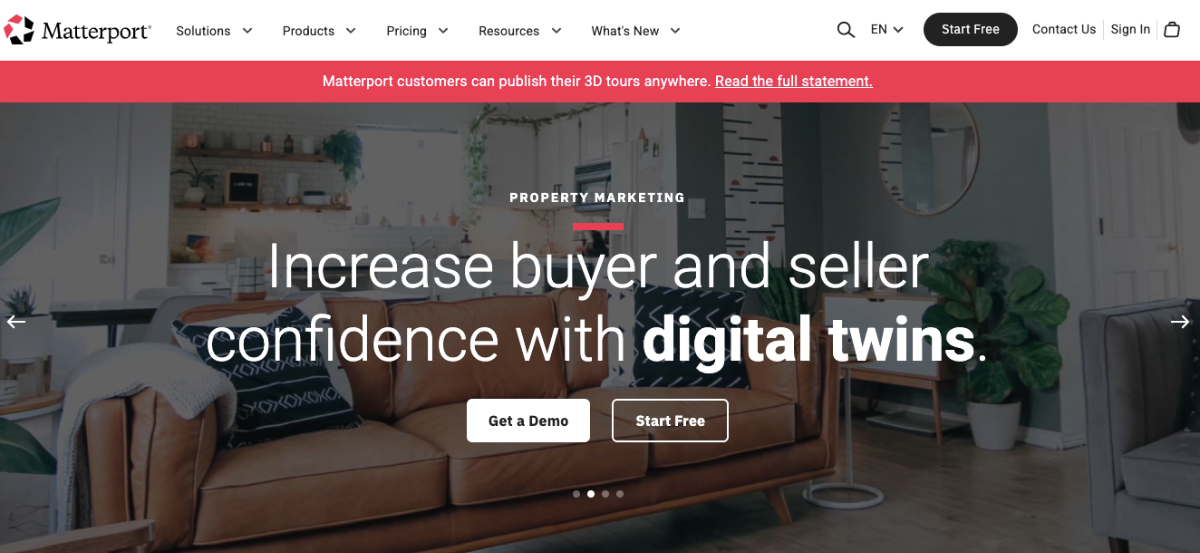
Matterport is the most iconic and popular virtual tour software for realtors that has been around for a while.
Unlike most other VR tools, Matterport focuses on helping you craft the most realistic virtual tours out there. The best feature that sets Matterport apart is the 3D walk feature. When you move from one spot to another in the virtual tour, you feel like you are walking toward it.
Having said that, there are complications involved.
First, you have to use their camera, the Matterport Pro2 and use it to capture 360 images. Then you have to use their platform software to customize and host it in your Matterport account. From there, you will find the embed link to place it on your website.
However, they did offer a mobile app as an alternative, which, though great, isn’t of very high quality.
With these comes the expense. Matterport is one of the most expensive virtual tour services out there.
If you have a high budget and are selling luxury homes, then this could be a great option. But for local listings, this could be a bit overboard and will probably result in a lower ROI.
Schlüsselmerkmale:
- Pro2 Camera offers high-quality image capture.
- Easy platform to edit the tour
- Tags to highlight text and media inside the tour.
- Professional dollhouse tour service
- Custom blurring and animation within the tour
- Publishable to Street View
- Display dimensions inside the tours
Preisgestaltung:
- Free: You can use the free version with limited features.
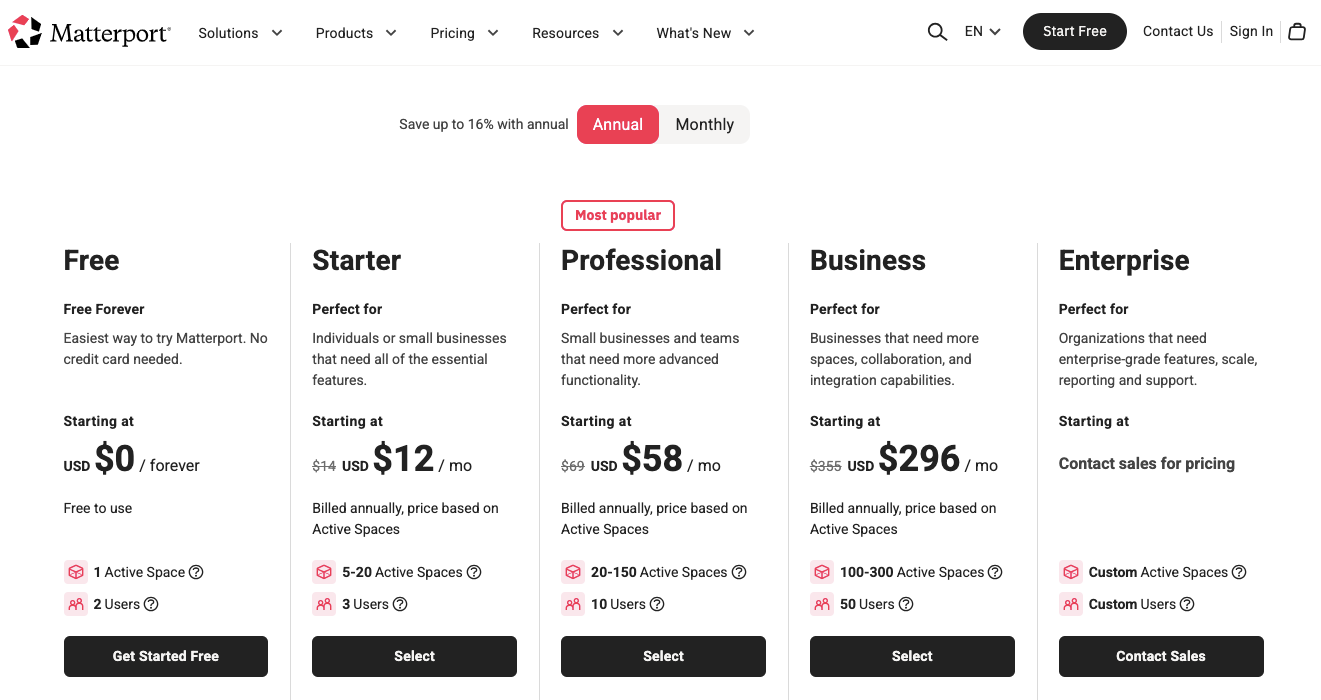
- Starter: $12 per month billed annually
- Professional: $58 per month billed annually
- Business: $296 per month billed annually
- Enterprise: Contact sales for pricing
3. ClaodPano – Best for Scaling & Agencies
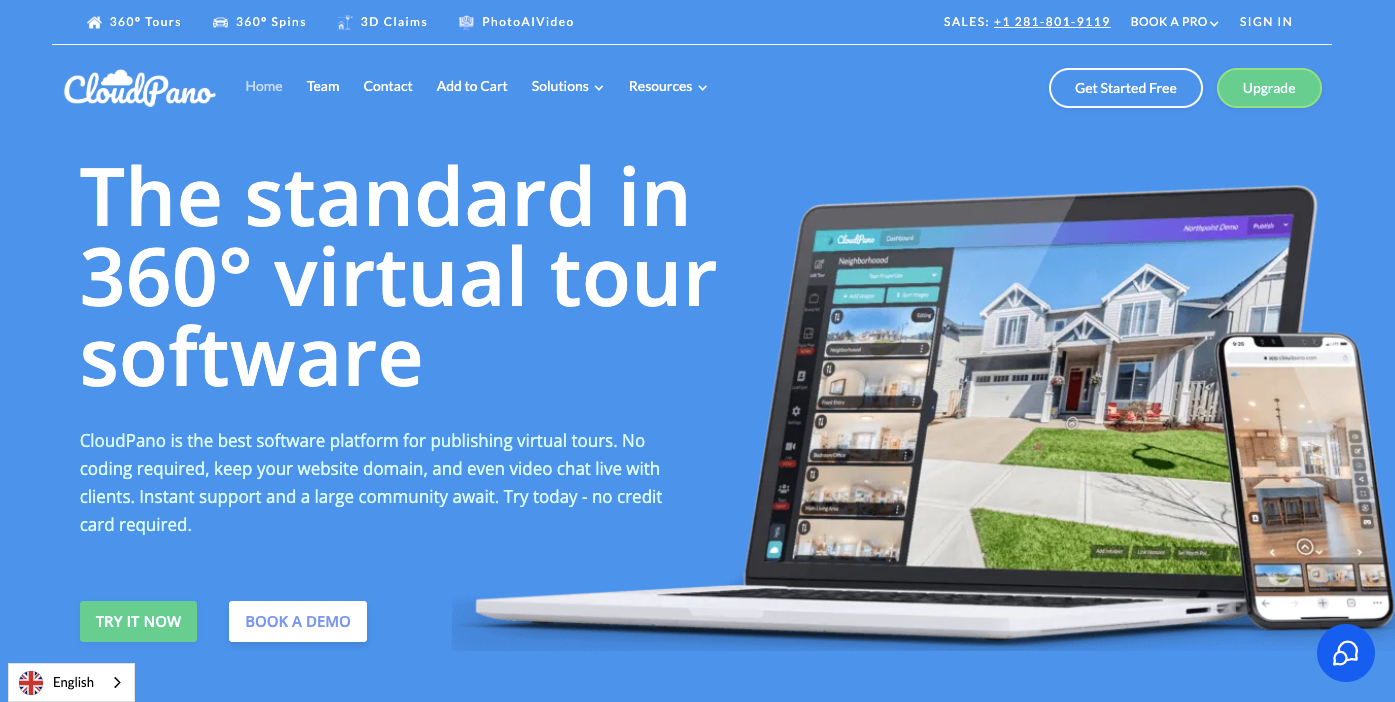
CloudPano is a fast, versatile 360 virtual tour software for real estate that helps you show properties in an easy and engaging way. Buyers can explore homes without needing to visit in person.
For example, 360-degree views, AI floor plans, and mobile-friendly tours let buyers see every detail anytime, anywhere. These features help you explain layouts clearly and make listings more appealing.
CloudPano also includes branding tools, live video walkthroughs, and analytics to track buyer interest. You get insights to see what buyers like and follow up at the right time.
Key Features:
- 360-Degree Views
- AI Floor Plans
- Mobile-Friendly Tours
- Branding and Customization
- Live Video Walkthroughs
Preisgestaltung:
- Free: Only free trial available
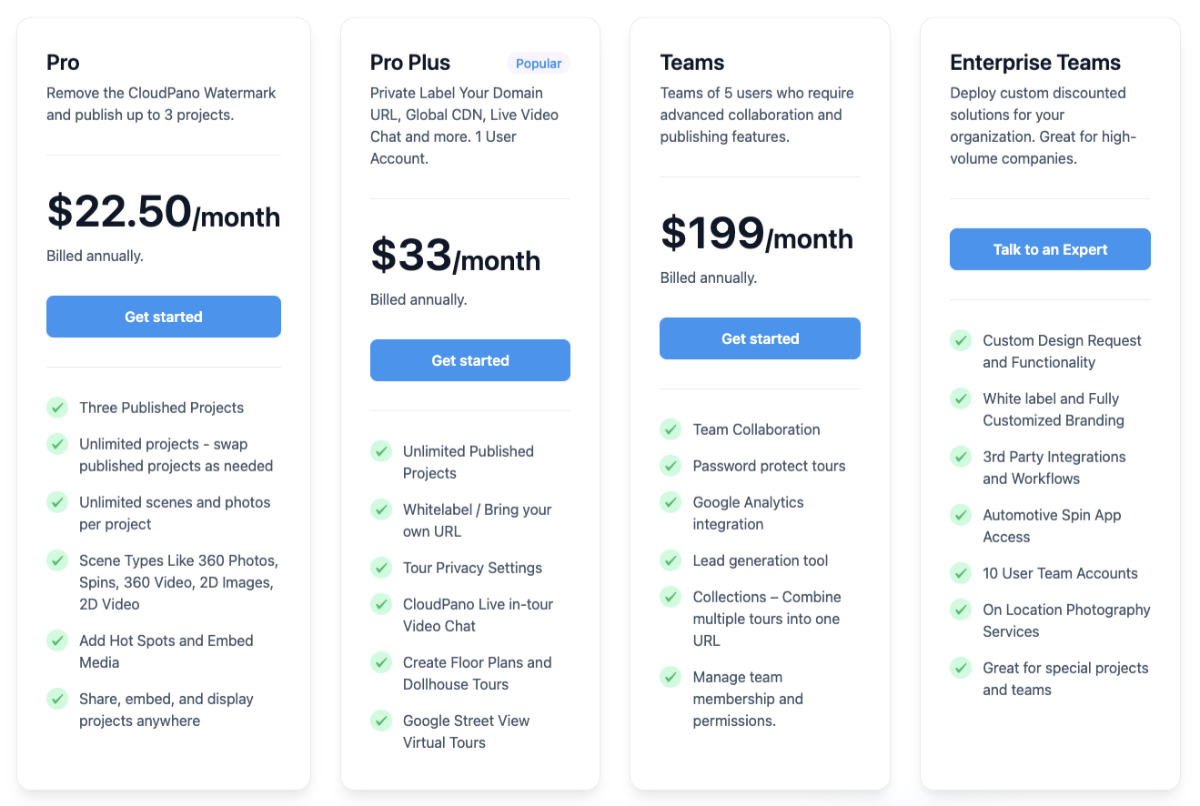
- Pro: $22.50 per month billed annually
- Pro Plus: $33 per month billed annually
- Teams: $199 per month billed annually
- Enterprise Teams: Talk to an Expert
4. Zillow 3D Home – Best for Zillow Listings Visibility
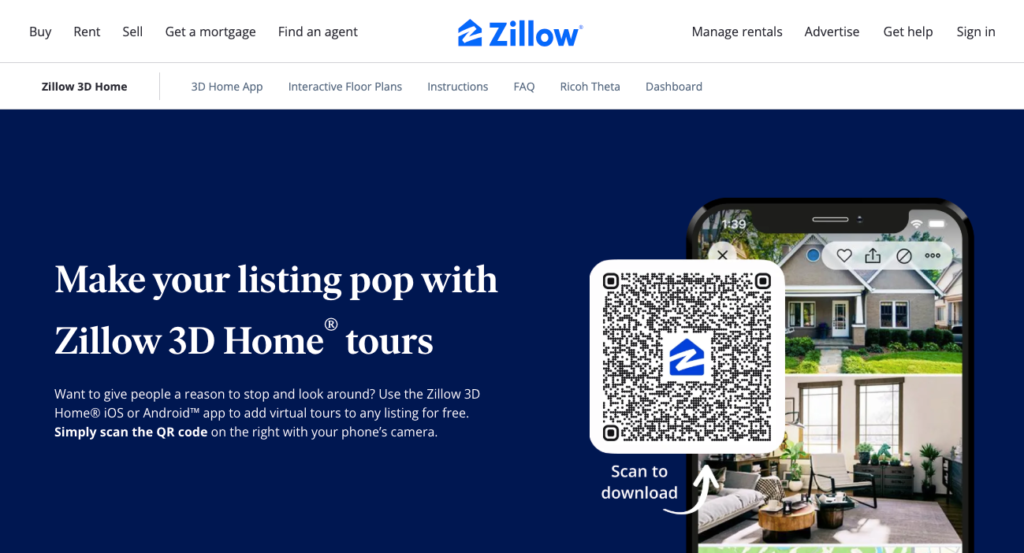
Zillow3D Home is a free virtual tour app for real estate that makes it easy to show properties online. Buyers can explore homes from anywhere, making listings more accessible.
For example, 3D home tours, room-by-room capture, and mobile-friendly viewing let buyers see every detail. Interactive virtual tours, high picture quality, and a user-friendly interface make listings more appealing.
Zillow 3D Home also has branding options, Zillow listing integration, and analytics to track interest. You can see what buyers like and follow up at the right time.
Schlüsselmerkmale:
- 3D Home Tours
- Room-by-Room Capture
- Mobile-Friendly Viewing
- Branding Options
- Zillow Listing Integration
Preisgestaltung:
- You can start it for free (it charges only for successful transactions when selling properties)
5. Simple Virtual Tour – Flexible Virtual Tour Software
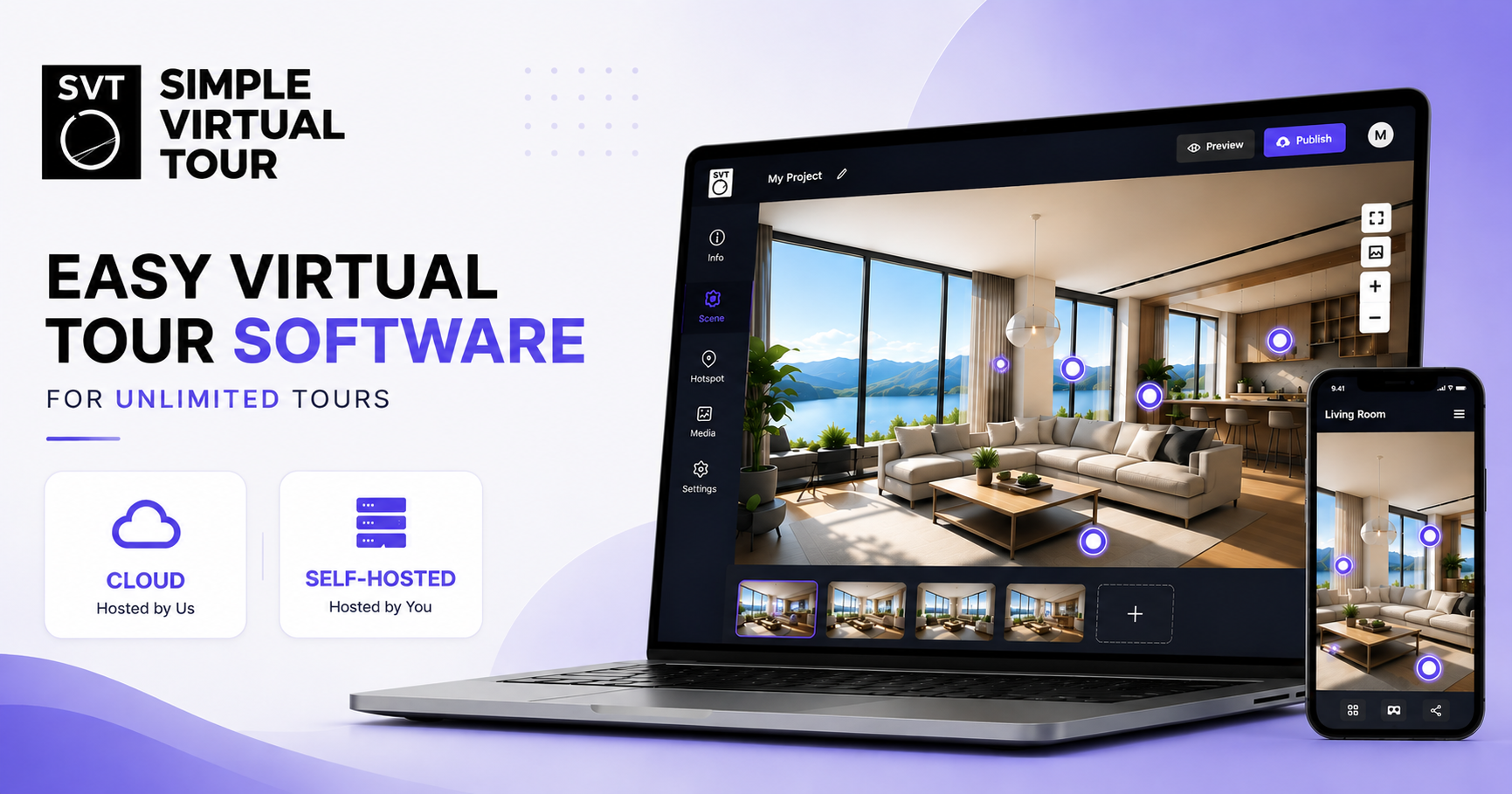
Simple Virtual Tour is an all-in-one platform for creating and managing interactive 360° virtual tours. It includes hotspots, floorplans, maps, multimedia content, live sessions, analytics, and AI-powered tools.
One of its main advantages is flexibility: users can choose between a ready-to-use Cloud solution or a Self-Hosted version, giving professionals greater control over hosting, data, branding, and long-term costs.
It’s suitable for real estate professionals, photographers, agencies, tourism businesses, and anyone looking for a flexible solution to create professional virtual tours.
Key Features
- 360° Virtual Tours
- Interactive Hotspots
- Floor Plans & Maps
- Live Guided Sessions
- E-commerce Integration
- Multilingual Support
- Analytics & Statistics
- Custom Branding
- White Label
- Google Street View Publishing
Preisgestaltung
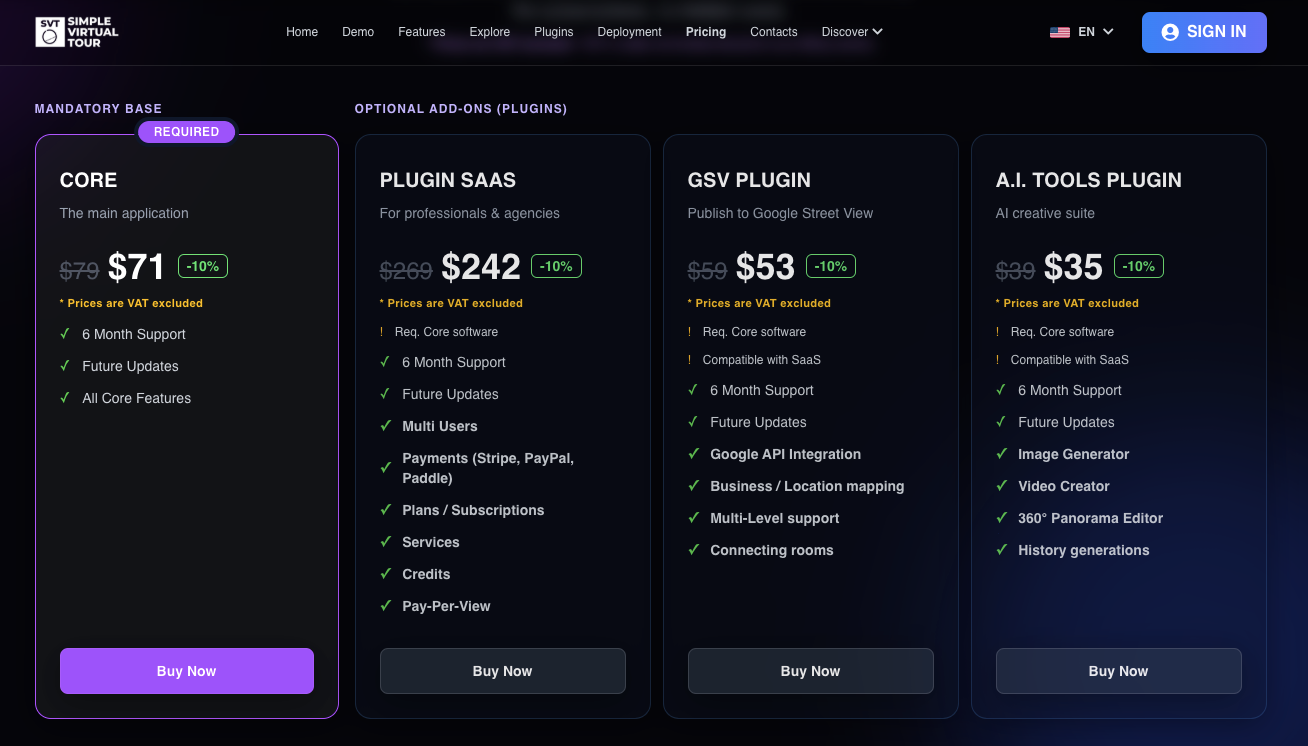
- Core: $71
- Plugin Saas: $242
- GSV Plugin: $53
- AI Tools Plugin: $35
6. Kuula – Best for Beginners & Fast Setup
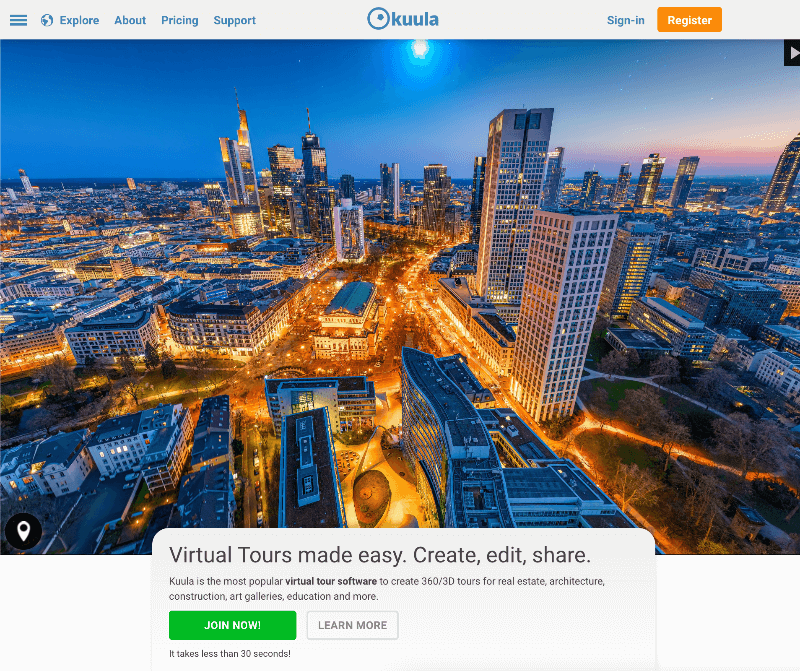
Kuula is another brilliant real estate virtual tour creator that comes with a simplistic UI. The real estate virtual tour software is aimed at smaller but top real estate agents who may require minimal features to create an engaging 360 virtual tour.
Apart from generating a 360 virtual environment from a panoramic image, Kuula allows additional customizations such as pan/tilt zoom, focus customization, manual distance adjustments, and a horizon line feature.
You’ll also find options like manual and automatic focus, image stabilization, image panning, seamless image integration, etc., which can be handy if you are capturing the panoramas on your own.
Schlüsselmerkmale:
- Subscription-based platform to host virtual tours
- Equirectangular virtual tour
- Image retouching and restoration
- Embedding and sharing virtual tours on any website
- Company branding info customization
- SSL-certified link generation
- Interactive hotspots
- Custom hotspot icons
- Private tour link generation
- Password-protected tours
Preisgestaltung:
- Free: $0 per month
- Pro: $20 per month billed annually
- Business: $36 per month billed annually

7. Panoee – Best for High Flexibility
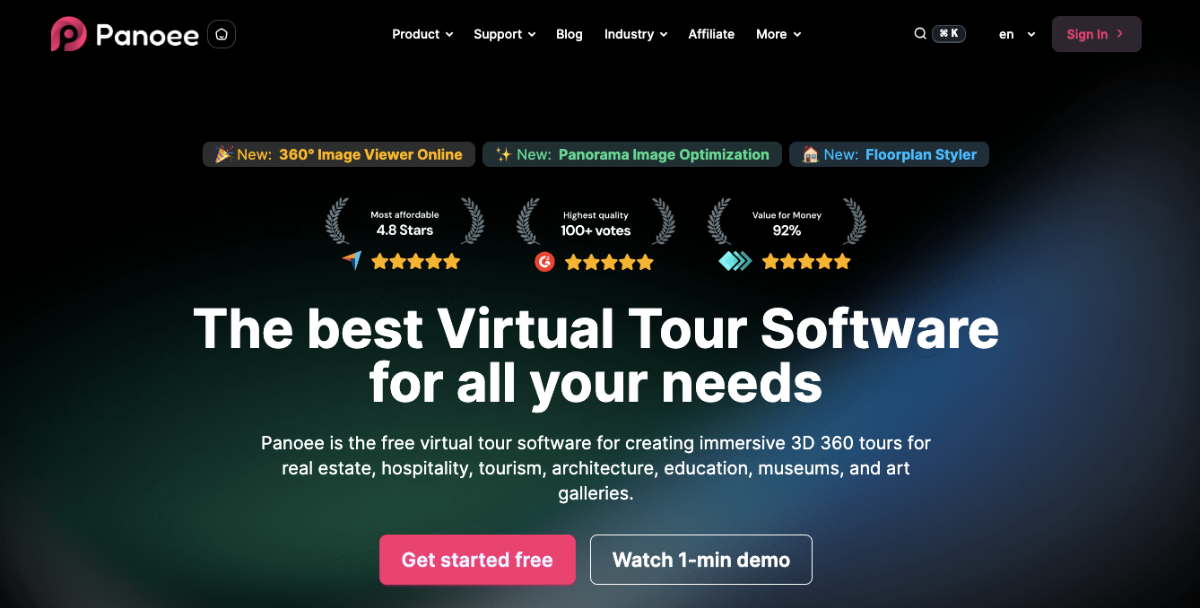
Panoee is an immersive 3D 360 tour for real estate that lets you create engaging tours for any property. It’s ideal for showing architecture, interiors, and construction projects in detail.
For example, buyers can navigate multiple rooms smoothly, view floor plans, and see hotspots with extra info. Tours can include background audio and different design styles to keep viewers interested.
Panoee also offers tools to track engagement and measure how viewers interact with your tours. You can improve tours based on real insights from potential buyers.
Key features:
- Drag-and-drop editor
- Floor plan integration
- Lead capture tools
- Scene management
- Google Street View publishing
Pricing:
- Free: $0 forever
- Flex (PAYG): $7-12 per month
- Pro: $22 per month
8. Klapty – Best for Hosting & Sharing Tours Easily
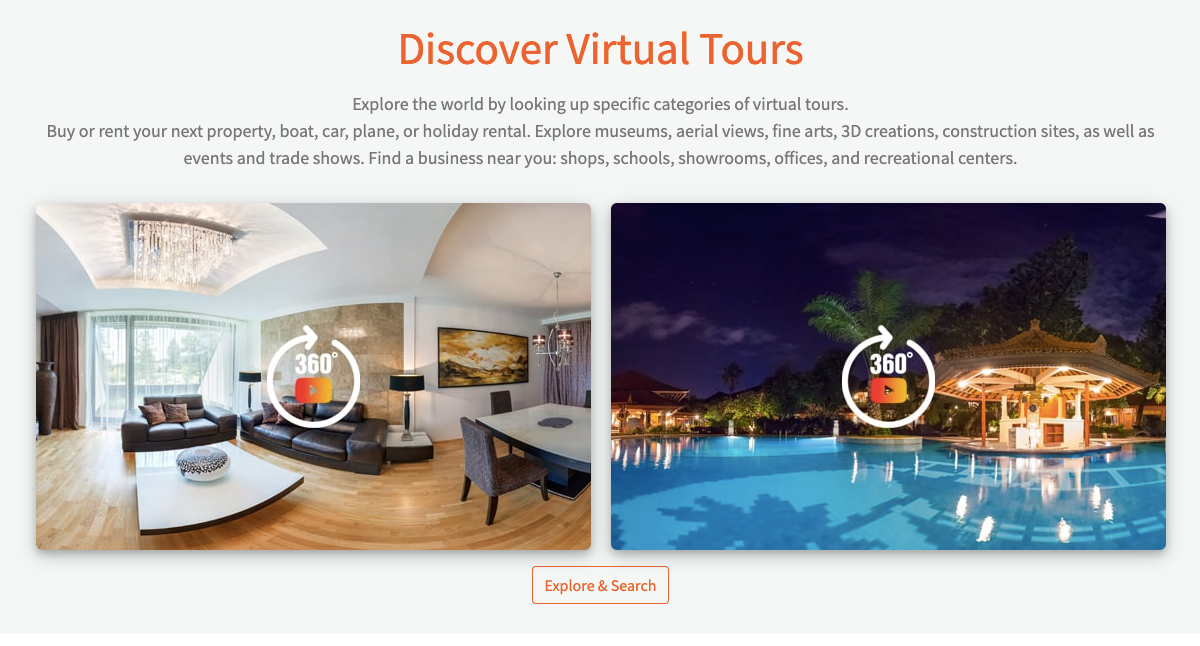
Klaty is a drag-and-drop virtual tour creator that lets you add 360-degree images with interactive hotspots.
You don’t need to become a tech expert to use Klapty. Realtors can easily use this tool to showcase a property. Instead of just using boring pictures on your website, you can make an exciting tour that lets people feel as if they’re walking around your place.
The free version of Kalpty lacks customization options. Klapty is made with Real Estate in focus, and considering it’s a free choice, it’s quite good.
Let’s find out its key features,
Schlüsselmerkmale:
- Clickable Floor plans in Virtual Tour
- Customizable hotspots to show specific features or move between scenes
- Create and share virtual tours
- Embed virtual tours on your website
- Post virtual tours on social media
- Blurring Tool
- VR Headset compatibility
- Password protection for private virtual tours
- Nadir logo enable/disable
- 2D photo gallery
Preisgestaltung:
- Free: You can use a free trial for Klapty
- Basic: $14.90 per month
- Advanced: $29.90 per month
- Premier: $59.90 per month
- Platinum: $99.90 per month
- Enterprise: $199.90 per month
9. EyeSpy360 – Best for Live Guided Virtual Tours
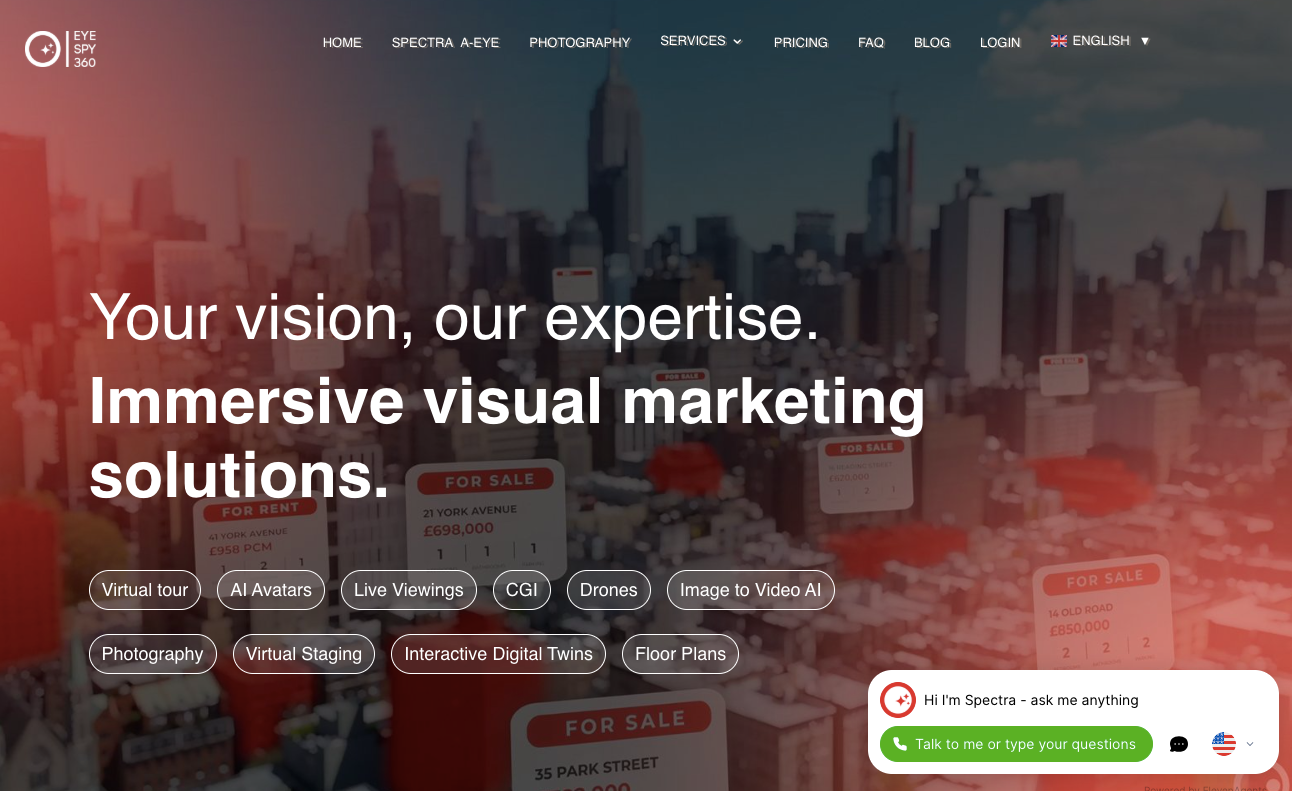
EyeSpy360 offers the perfect blend of simplicity and efficiency for creating stunning real estate virtual tours. As a busy professional, you need a tool that simplifies the process, and EyeSpy360’s easy-to-use interface helps you create tours quickly without any hassle.
Supporting high-quality media ensures your images and videos are crystal clear. It presents properties in the best possible light.
With today’s buyers often using mobile devices, EyeSpy360’s easy mobile responsiveness guarantees a flawless experience across all platforms.
The software’s interactive hotspots, customizable branding, and integrated contact forms make it a comprehensive solution for engaging and converting potential buyers.
Schlüsselmerkmale:
- Easy-to-Use Interface
- High-Quality Media Support
- Mobile Responsiveness
- Interactive Hotspots
- Customizable Branding
- Integrated Contact Forms
- 3D Real Estate Walkthroughs
- Virtual Staging
- Analytics and Reporting
- Multilingual Support
Preisgestaltung:
- Pay-as-you-go plan: $335 per tour
10. Real Estate Exposures – Best for Marketing Packages

For creating exceptional real estate virtual tours, Real Estate Exposures offers a powerful and user-friendly solution. You need a tool that simplifies the process, and It does just that with its intuitive interface.
Its high-quality media support ensures your property images and videos are crisp and detailed, giving viewers the best possible experience. Its mobile responsiveness also ensures that your tours look great on any device, from desktops to smartphones.
With features like interactive hotspots, customizable branding, and integrated contact forms, you can engage and convert potential buyers more effectively.
Real Estate Exposures is the best virtual tour software for creating captivating real estate virtual tours, 3D real estate walkthroughs, and real estate video tours.
Schlüsselmerkmale:
- User-friendly Interface
- High-quality Media Support
- Seamless Mobile Compatibility
- Interactive Hotspots
- Customizable Branding
- Integrated Contact Forms
- 3D Walkthroughs
- Virtual Staging
- Analytics Dashboard
- Virtual Reality Integration
Preisgestaltung:
- Area-based pricing: They provide custom pricing from professionals.
11. iStaging – Best for VR + AR Experiences

When it comes to showcasing properties effectively, iStaging is your go-to choice. As someone who values efficiency and professionalism, you need the best virtual tour software to elevate your real estate game.
With iStaging, you’ll experience an easy journey. Whether you’re not a continuous real estate agent or a budding property manager, iStaging helps you to create stunning 3D real estate walkthroughs and video tours effortlessly.
It’s not just software; it’s a partner that understands your needs and delivers exceptional results every time. Trust iStaging to bring your properties to life and make a lasting impression in the competitive real estate market.
Schlüsselmerkmale:
- Intuitive User Interface
- High-Quality Media Support
- Mobile Compatibility
- Interactive Hotspots
- Custom Branding Options
- Built-in Contact Forms
- 3D Virtual Tours
- Virtual Staging Capabilities
- Analytics and Reporting Tools
- Virtual Reality Integration
Preisgestaltung:
- Essential Monthly Plan: $5 per month (billed annually)
- Advantage Monthly Plan: $150 per month (billed annually)
- Premier Monthly Plan:$390per month (billed annually)
- Bespoke Monthly Plan: Custom pricing according to your needs

12. Lapentor – Best for Simple Custom Tours
Lapentor is one of the best virtual tour software for real estate that helps you create engaging tours for any property. It’s perfect for showing architecture, art galleries, or construction projects in detail.
For example, self-hosting, digital twin tools, and interactive formats let buyers explore properties in new ways. Variety in design, background audio, and VR headset support make tours more immersive.
Lapentor also includes analytics to track user engagement. You can see how buyers interact and improve your tours.
Schlüsselmerkmale:
- Self-Hosting
- Digital Twin Tools
- Interactive Formats
- Background Audio
- VR Headset Support
Preisgestaltung:
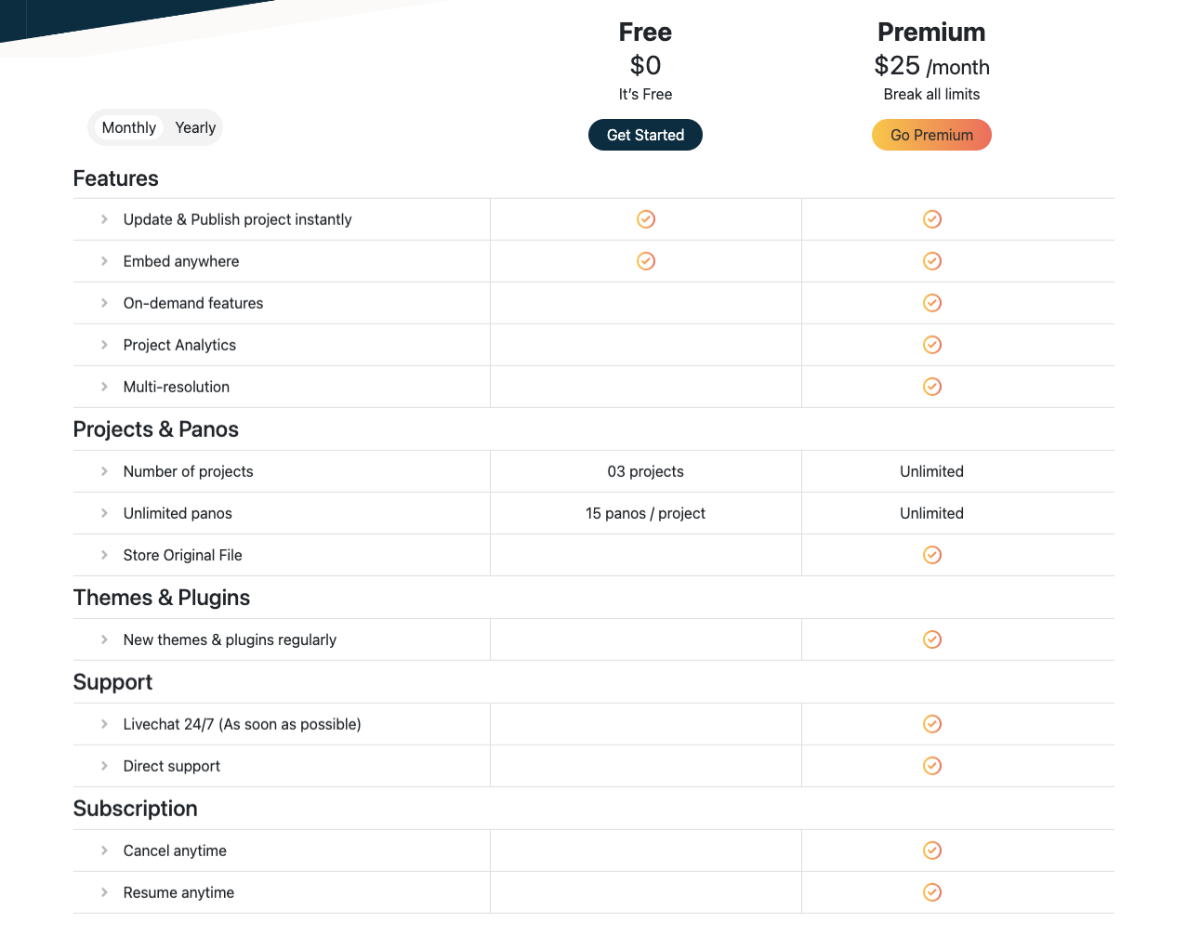
- Free: $0 Lifetime with limited features
- Premium: $25/ month with all features
13. 3D Vista – Best for Custom Branded Experiences
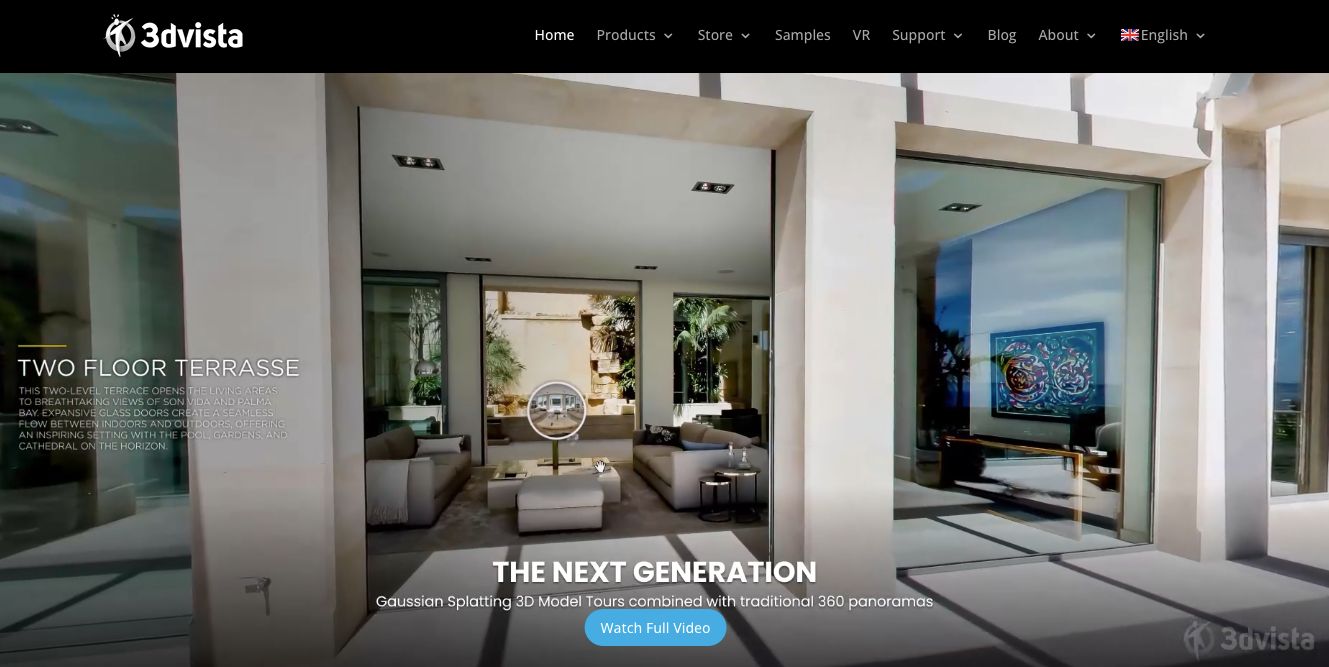
3D Vista is a downloadable software that comes with options to generate VR tours from Google Street View or create virtual tours using 360 panoramic images.
But unlike other virtual tour software, you do not need a ready 360 image.
You can simply capture images at the right angles and then stitch them in a 360 panoramic image within 3D Vista. And then, you may turn that into a 360-degree virtual tour.
If you know how to handle cameras and tripods, then this is a great tool for you. Basically, 3D Vista acts as a DIY virtual tour creator.
Schlüsselmerkmale:
- Easy live panorama creation
- Batch Image uploading
- 360 Image stitching and sound editing support
- Live tour with video call support
- Offline download option
- 3D Transition Effect
- Custom Hotspots
- Floor Plan for real estate
- Time-lapse videos of the same spot with a 360-degree view
- Icon Library to add inside the virtual tour
- Customizable Branding
Preisgestaltung:
- Free: This software doesn’t have an option to use for free. But you can use the trial version to learn its features.
- Pro: The one-time payment is $499, and you get 1 year of free software upgrades.
Schlussfolgerung
Virtual tours have changed the way you showcase your real estate properties. They let your buyers explore properties online, creating a more engaging and memorable experience.
For your real estate agency, this means your listings stand out and look more professional. It helps you attract serious buyers and build confidence with sellers.
The key is using virtual tour software that’s simple and effective. With the right tool, you can create immersive tours without any technical hassle.
One solution you can try is WPVR if you use WordPress. It offers 360° virtual tours, 3D walkthroughs, and video tours, and it also helps your real estate listings shine and close deals faster.
** FAQs **
1. Which virtual tour software should I pick if I’m just starting out?
You can go with a beginner-friendly option like WPVR, Kuula, or Lapentor that gets your first tour live in minutes without a learning curve. These let you present a property professionally before you invest in pricier tools. You’ll build confidence with real estate tours fast and upgrade later as your listings grow.
2. Do I need expensive software like Matterport, or is there a cheaper way?
You don’t need a premium tool for every listing, since Matterport shines for high-end homes but costs more than most agents want to spend daily. For regular properties, WPVR lets you build the best virtual tour software experience right on your WordPress site at a fraction of the price, or even for free, without some premium features.
3. How do I keep control of my tours instead of relying on a third-party platform?
You can host tours on your own WordPress site so your branding and leads stay with you, not an outside platform. This keeps buyers on your website where they explore the property and contact you directly. You’ll own your audience instead of sending traffic to someone else’s portal.
4. What’s the best option if I’m an agency handling lots of listings at once?
You can scale with CloudPano or 3D Vista, which is built for volume and custom-branded experiences across many properties. These help your team produce consistent, professional tours without rebuilding from scratch each time. You’ll keep every real estate listing looking polished even as your workload climbs.
5. How do I make sure my virtual tours actually reach buyers, not just sit on my site?
You can pick the best virtual tour software for your goal, like Zillow 3D Home for portal visibility or Klapty for easy sharing across social media. This puts your property in front of buyers wherever they’re already looking. You’ll turn a great home tour into real inquiries instead of a hidden page.

I was reading your article about the best virtual tour software and really appreciated your insights on the industry.
Thank you so much for your kind words. I am really glad to hear that you found the article insightful.