
A visual guide to how customer photos, videos, and stories appear to shoppers on your WooCommerce product pages and how you control every aspect of the display.
Placement – Where the UGC Section Appears #
UGCify injects its gallery directly into the Reviews tab on your product page. Shoppers switch to the Reviews tab and immediately see two distinct areas: the Customer Stories row at the top, followed by the Community Reviews grid below it.
The screenshot below shows the Reels Type Template.
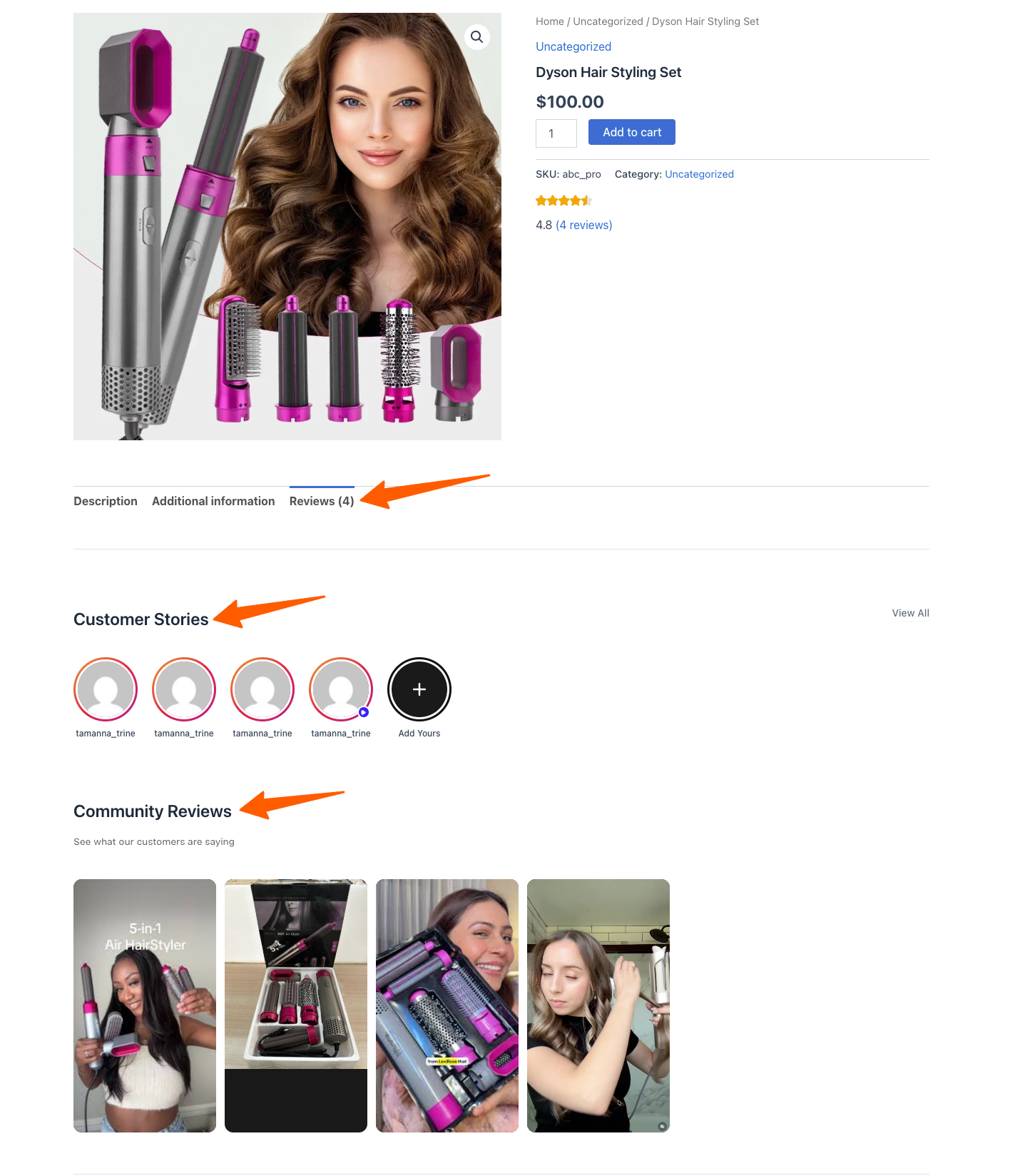
The UGCify section as it appears live on a WooCommerce product page — Customer Stories row + Community Reviews grid

Block Studio – Choosing Your Gallery Template #
UGCify ships with two gallery templates. You activate one at a time from UGCify → Block Studio. The active template is what shoppers see on your product page.
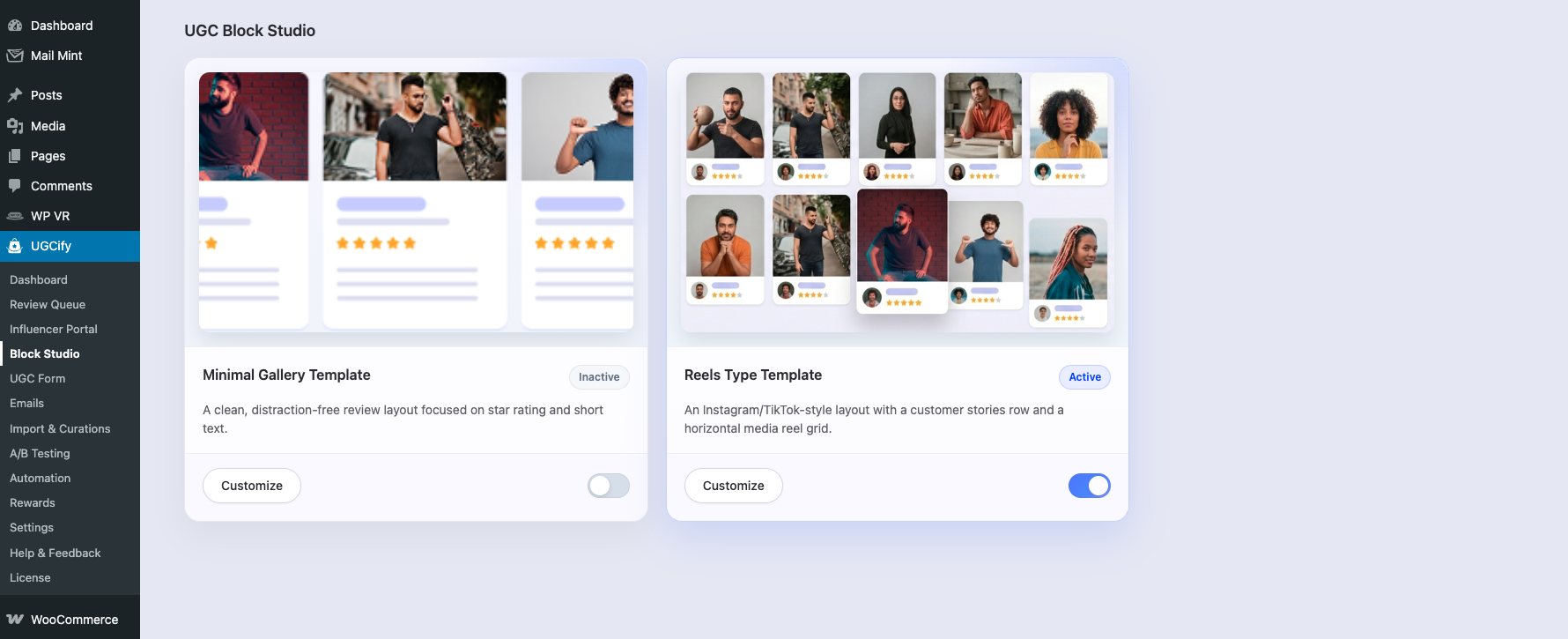
Block Studio — choose between Minimal Gallery Template and Reels Type Template
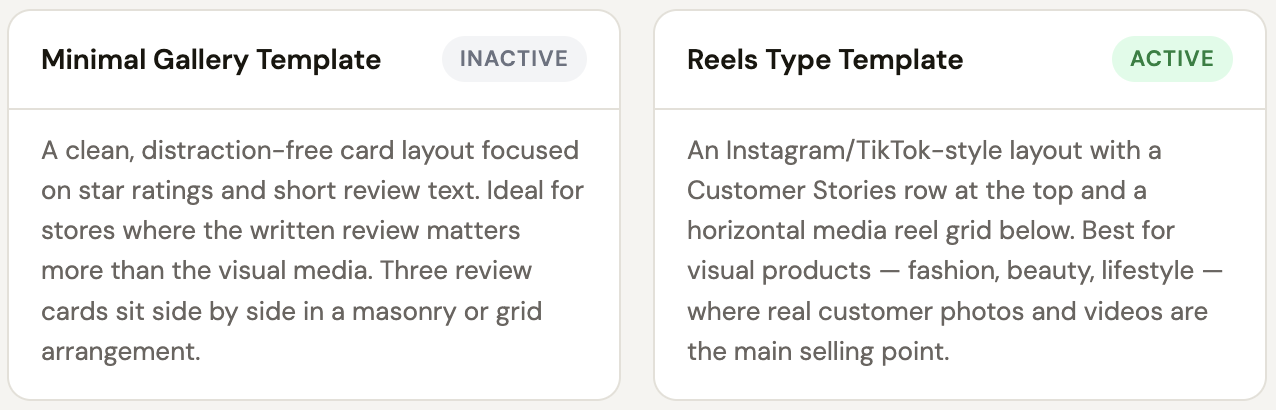
Template 1 – Minimal Gallery Template #
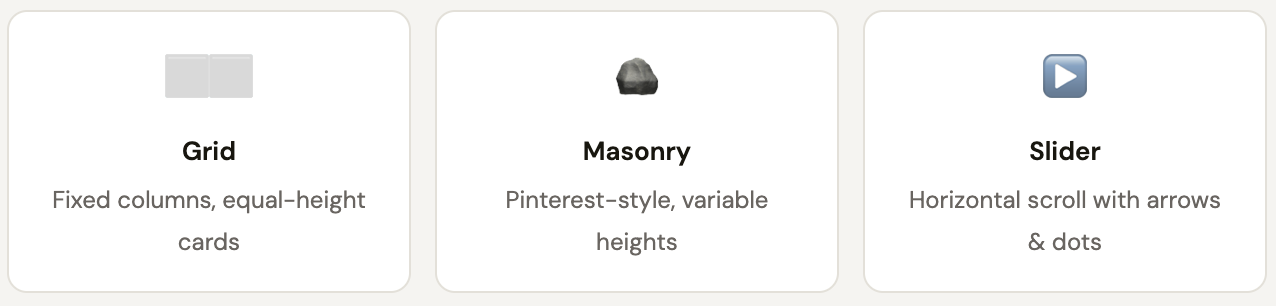
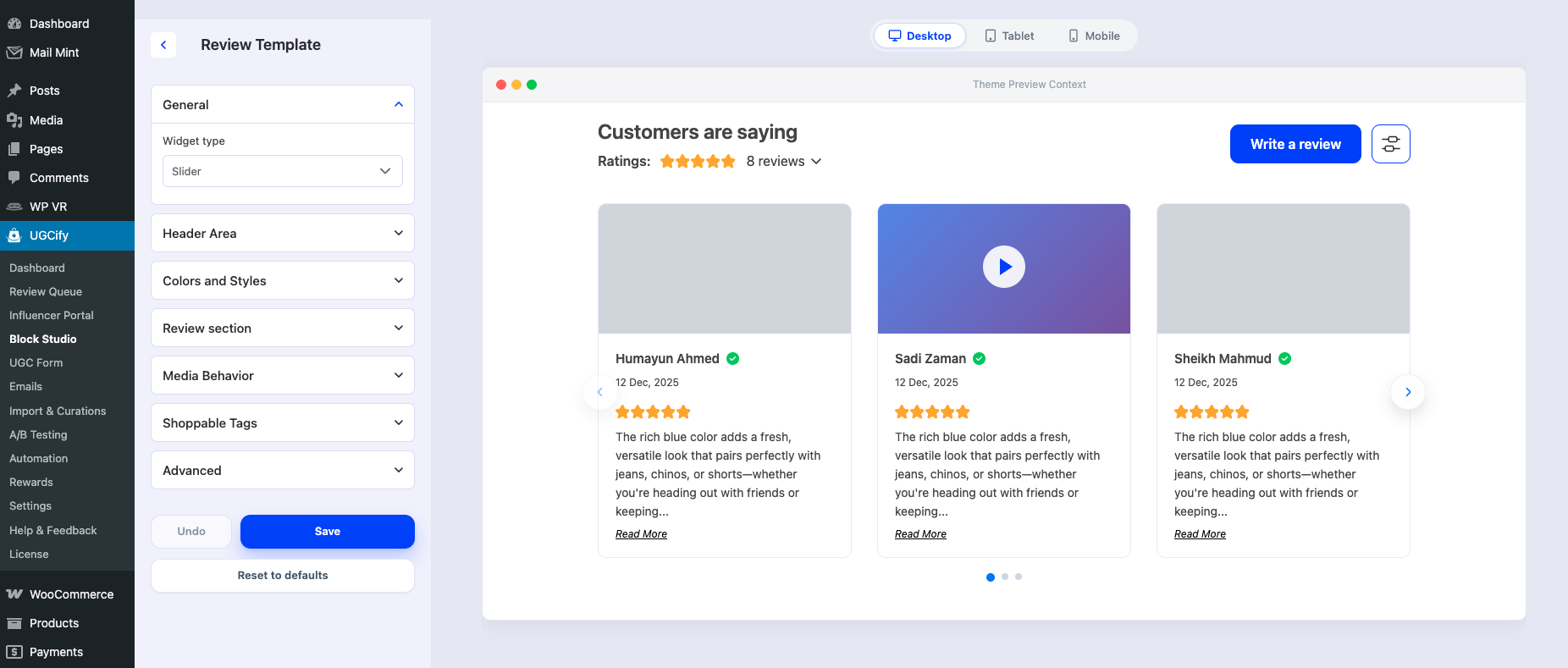
Inside the template customizer, the General → Widget type dropdown lets you change how reviews are laid out within the gallery area.
Inside the Minimal Gallery Template Customizer, there are a lot more options to customize the layout to your liking. Here is a screenshot below to see a snippet:
Template 2 – Reels Type Template #
Clicking Customize on the Reels Type Template opens a side-by-side editor with a live preview. Changes appear in the preview instantly — no need to go to the product page to see how it will look.
Here is a screenshot below to see a snippet of What you can configure:
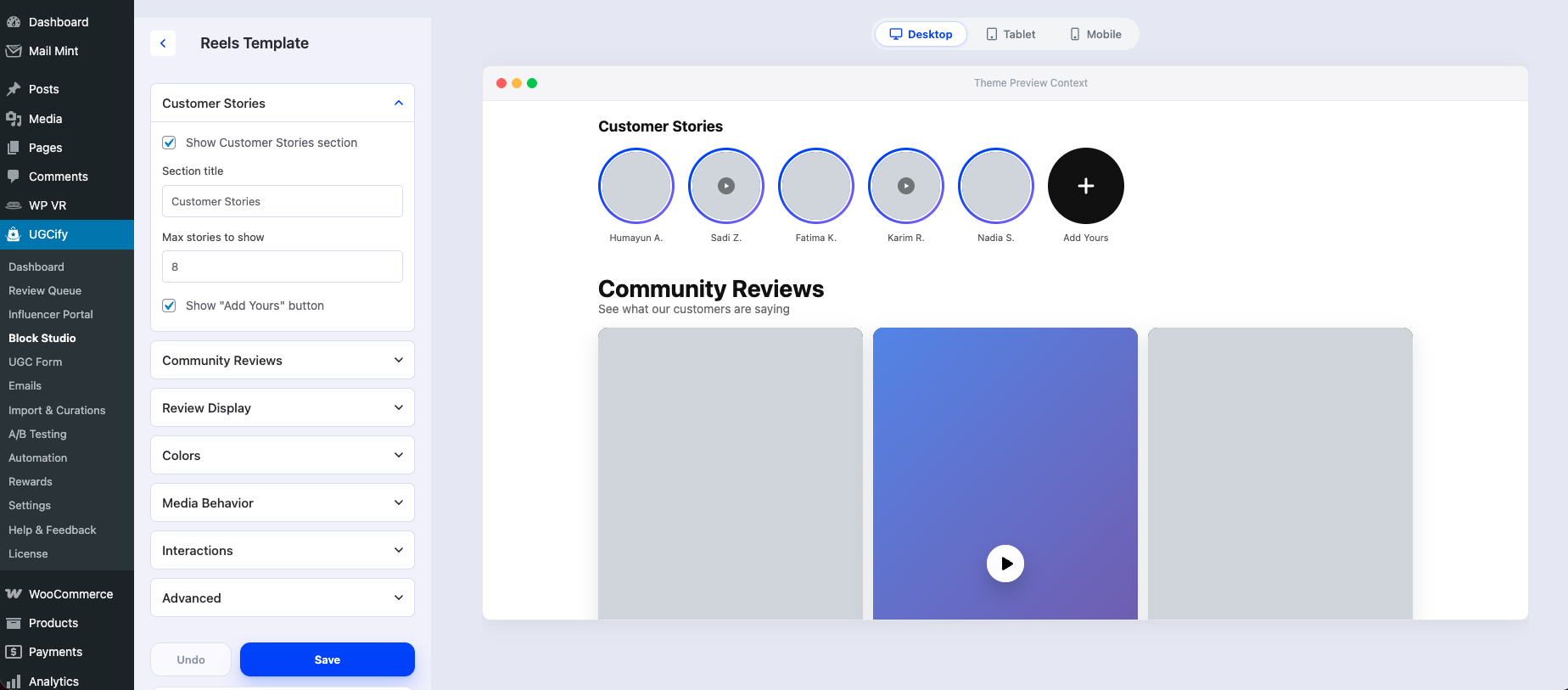
The preview panel switches between Desktop, Tablet, and Mobile viewports so you can check the layout on every screen size before saving.
How It Looks on Mobile #
The gallery is fully responsive. On mobile, the Reels template stacks into a single-column layout, the Customer Stories row scrolls horizontally, and the media reel becomes a tall vertical scroll.
You can preview the mobile layout at any time inside the Block Studio customizer by clicking the Mobile button in the top-right of the preview panel.

Das war's.
Every shopper who lands on your product page is quietly asking one question: “Has anyone else actually bought this and loved it?” UGCify answers that question visually, automatically, and without you lifting a finger after setup.