![6 Best Abandoned Cart Plugins for Your WooCommerce Store [2026]](https://rextheme.com/wp-content/uploads/2025/11/Abandoned-Cart-Plugins.webp)
It’s been many years since I started helping WooCommerce store owners recover lost sales. Abandoned carts are one of the biggest missed opportunities in eCommerce.
The global average cart abandonment rate is 70.19% across all industries.
That means most of your potential customers leave without making a purchase.
I know you’re here because you want to actually recover those lost sales and grow your revenue. Random reminders or generic plugins rarely work, and I’ve seen it happen many times.
Today, I’ll show you the best abandoned cart plugins for WooCommerce. You’ll learn which tools work best, their features, and which strategies are worth your time.
Let’s get started and recover those abandoned carts.
TL;DR – Best WooCommerce Abandoned Cart Plugins
- Abandoned cart plugins automate recovery and boost sales with timely reminders
- Top 5 Cart Abandoned Plugins:
- Cart Lift – Automatically tracks abandoned carts and sends recovery emails.
- Booster for WooCommerce – Complete toolkit with abandoned cart recovery, coupons, and invoices.
- Cart Abandonment Recovery – Sends personalized recovery emails and tracks cart data.
- CartBounty – Recovers guest and registered carts via email or SMS.
- YITH WooCommerce Recover Abandoned Cart – Advanced tracking with targeted follow-ups for different user roles.
- Final Verdict: For simplicity, effectiveness, and reliable abandoned cart recovery, Cart Lift is the best choice.
What is Abandoned Cart & How Does it Work
An abandoned cart happens when someone adds products to your WooCommerce store but leaves without buying. It’s one of the easiest ways you lose sales.
For example, a store that sent a recovery email within an hour got back 20% of abandoned carts. You can do the same with plugins that send quick reminders via email or SMS.
Recovering abandoned carts helps you save lost sales and boost conversions. With timely follow-ups and small incentives, you can turn almost-lost opportunities into real orders.
6 Best Abandoned Cart Plugins for WooCommerce
Now, let’s look at the 5 best abandoned cart tools for WooCommerce. I’ll explain how each plugin works, its key features, and what makes it a great choice for recovering lost sales.
1. Cart Lift – Abandoned Cart Recovery
![6 Best Abandoned Cart Plugins for Your WooCommerce Store [2026] 1](https://images.storychief.com/account_7122/cart-lift_966cafc11272a7bfdac6c7cc177dc9f4_2000.png)
Cart Lift helps you recover abandoned carts automatically so you can bring back lost customers without extra effort. It works smoothly with WooCommerce and EDD, making your recovery process simple.
For example, when someone adds a product but leaves your site, Cart Lift sends a reminder email to pull them back to complete the purchase.
You also get clear analytics to track what’s working and how many carts you recover. This helps you improve your strategy and boost your ROI with confidence.
Eigenschaften
- Automated abandoned cart recovery
- Set conditional coupons based on product or category
- External webhook support
- Exit-intent pop-up to capture emails
- Track abandoned and recovered carts
- Full analytics on every recovery campaign
- Weekly admin notification report
- Run unlimited email campaigns
Preisgestaltung
- $49.99 per year for 1 website
- $99.99 per year for 5 websites
- $149.99 per year for 10 websites
2. All-in-One Woo Cart
![6 Best Abandoned Cart Plugins for Your WooCommerce Store [2026] 2](https://rextheme.com/wp-content/uploads/2025/11/all-in-one-woo-cart.webp)
All-in-One Woo Cart helps WooCommerce store owners reduce cart abandonment and improve the shopping experience with a modern Ajax cart, side cart, floating cart, and quick cart access features. Instead of sending recovery emails after customers leave, it focuses on making the purchasing process faster and more convenient, encouraging shoppers to complete their orders.
For example, when a customer adds a product to their cart, the Ajax-powered cart updates instantly without page reloads. The floating cart and side cart panel allow shoppers to review and modify their cart from anywhere on the site, reducing friction and improving conversions
The plugin also includes features like a shipping progress bar, cart milestones bar, coupon suggestion, mobile cart optimization, and cart analytics. With extensive customization options and compatibility with WooCommerce stores, All-in-One Woo Cart helps create a smoother shopping journey that can lead to higher conversion rates and fewer abandoned carts.
Eigenschaften
- Instant Ajax Cart Updates allow customers to add and update products without page reloads
- Side Cart Panel provides quick access to cart contents from anywhere on the store
- Floating Cart keeps the cart accessible throughout the shopping journey
- Menu Cart displays real-time cart totals and item counts in the navigation menu
- Shipping Progress Bar encourages customers to spend more to unlock free shipping
- Milestone Rewards help boost average order value with discounts, gifts, or shipping incentives
- Mobile Cart Experience is optimized for smartphones and tablets
- “Fly to Cart” visual animation that provides instant feedback upon adding a product
- Cart Analytics provides insights into customer cart behavior
- Responsive and customizable design works seamlessly with WooCommerce stores
Preisgestaltung
- Personal Plan: $29 per year for 1 website
- Business Plan: $99 lifetime for 1 websites
- Agency Plan: $249 lifetime for 1 websites (includes all ThemeHunk themes and plugins)
3. Booster for WooCommerce
Booster for WooCommerce helps you reduce abandoned carts by simplifying the buying experience. You can simplify checkout fields, improve pricing visibility, and remove friction that causes customers to leave.
For example, if shoppers drop off because the checkout feels too long, you can use Booster’s Checkout Field Editor to shorten the form and make the process smoother.
Since Booster is modular, you only activate the tools you need. This keeps your store fast and gives customers a cleaner, easier path to complete their orders.
Features
- Send automated abandoned cart reminder emails to bring customers back.
- Capture emails as soon as a shopper starts checkout, even if they don’t complete it.
- Include 1-click cart restore links in recovery emails for easy purchase completion.
- Add personalized coupons or discounts in follow-up emails to incentivize buyers.
- Schedule email sequences at specific intervals after cart abandonment.
- Recover carts from all users or target specific user roles for tailored campaigns.
- Track abandoned and recovered carts with full analytics for better insights.
- Use exit-intent pop-ups to capture emails from leaving visitors.
- Run multiple email campaigns at once to maximize recovery chances.
- Export abandoned/recovered cart data to analyze and improve your strategy.
Preisgestaltung
- Personal Plan: $11.99 per month for 1 website
- Developer Plan: $19.99 per month for 5 websites
- Agency Plan: $39.99 per year for 50 websites
4. Cart Abandonment Recovery for WooCommerce
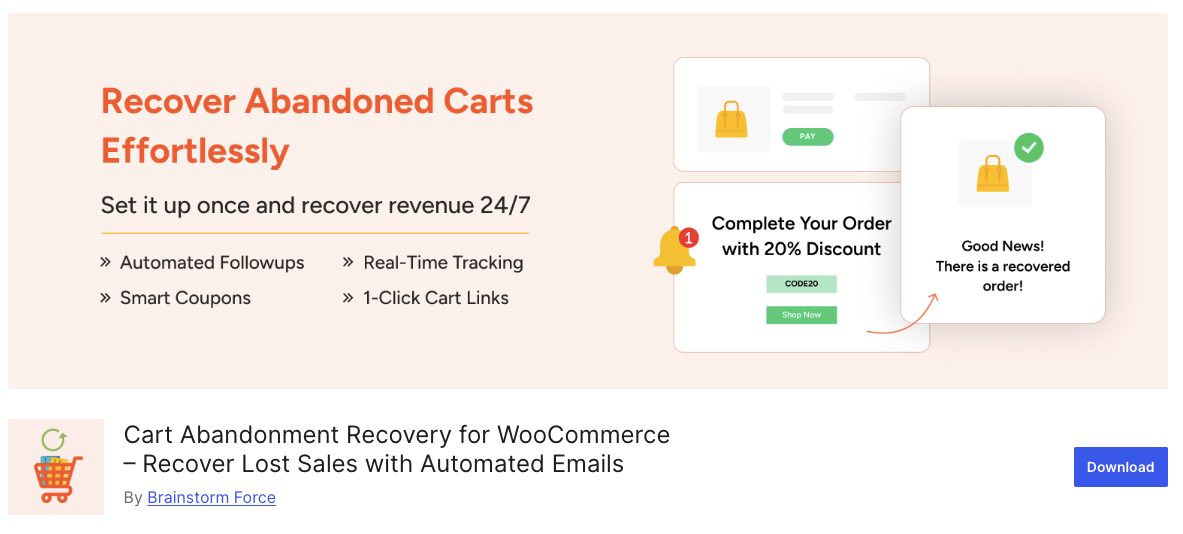
Cart Abandonment Recovery for WooCommerce helps you automatically win back lost sales with follow-up emails. It captures emails during checkout and reminds customers to complete their purchase without any extra effort.
For example, if a shopper leaves a fashion item in their cart, the plugin can send a timed email with a one-click restore link and a personalized coupon.
You also get reports and insights to track email performance and recovered sales. With this data, you can tweak your messages and offers to boost conversions and increase revenue over time.
Features
- Automated recovery emails help bring customers back after leaving carts
- 1-click cart recovery links let shoppers restore their exact cart easily
- Unique coupon codes encourage quick purchases with personalized discounts
- Abandoned cart capture saves emails even if checkout is not completed
- Reports and insights show abandoned carts and recovered sales in real time
- GDPR-ready consent checkbox keeps your store compliant with privacy laws
- Better analytics dashboard helps you monitor recovery success easily
- Dynamic shortcode support personalizes email subjects for higher opens
- Option to show tax or VAT in emails reduces confusion for customers
- Product-specific reports track which items are abandoned or recovered
Preisgestaltung
- You can use this plugin free from the WordPress Repo.
5. CartBounty – Save and recover abandoned carts
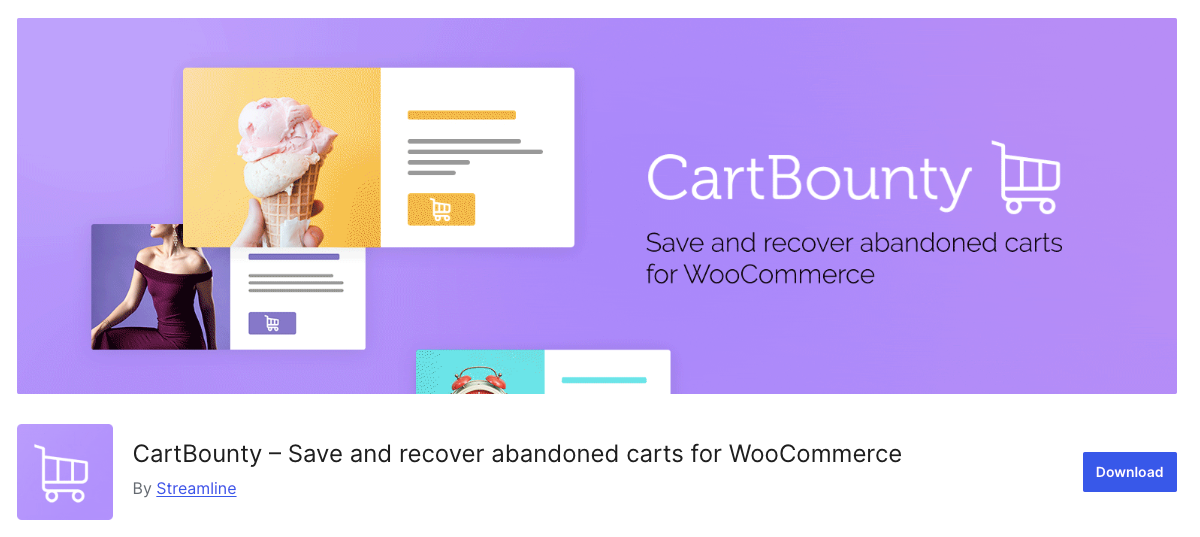
CartBounty helps you save abandoned carts and recover lost sales in WooCommerce stores. It tracks shopping carts in real-time and allows you to send automated reminder messages to bring customers back.
For example, if a visitor leaves a product in their cart, CartBounty can send a follow-up email nudging them to complete the purchase.
You can also reduce cart abandonment by collecting leads and using advanced configuration options. With GDPR compliance and smooth integration, CartBounty makes cart recovery easy and effective.
Features
- Personalized coupons generate dynamic discount codes to boost cart recovery
- Magic login automatically signs in users from recovery links for faster checkout
- Remember, user input restores checkout form data to reduce abandonment
- Export abandoned carts allows full Excel export with recovery links
- Mobile exit intent pop-ups reduce cart abandonment on smartphones
- Block bots with Google reCAPTCHA to prevent fake abandoned carts
- Translation-ready supports multiple languages for personalized reminders
- safe and secure database ensures GDPR-compliant handling of data
- Customization allows actions and filters for extra configuration
- Reliable system ensures smooth tracking and recovery of abandoned carts
Preisgestaltung
- Pro plan: $93 per year for 1 website
- Pro+ plan: $279 per year for 5 websites
- Agency plan: $1,302 per year for 100 websites
6. YITH WooCommerce Recover Abandoned Cart
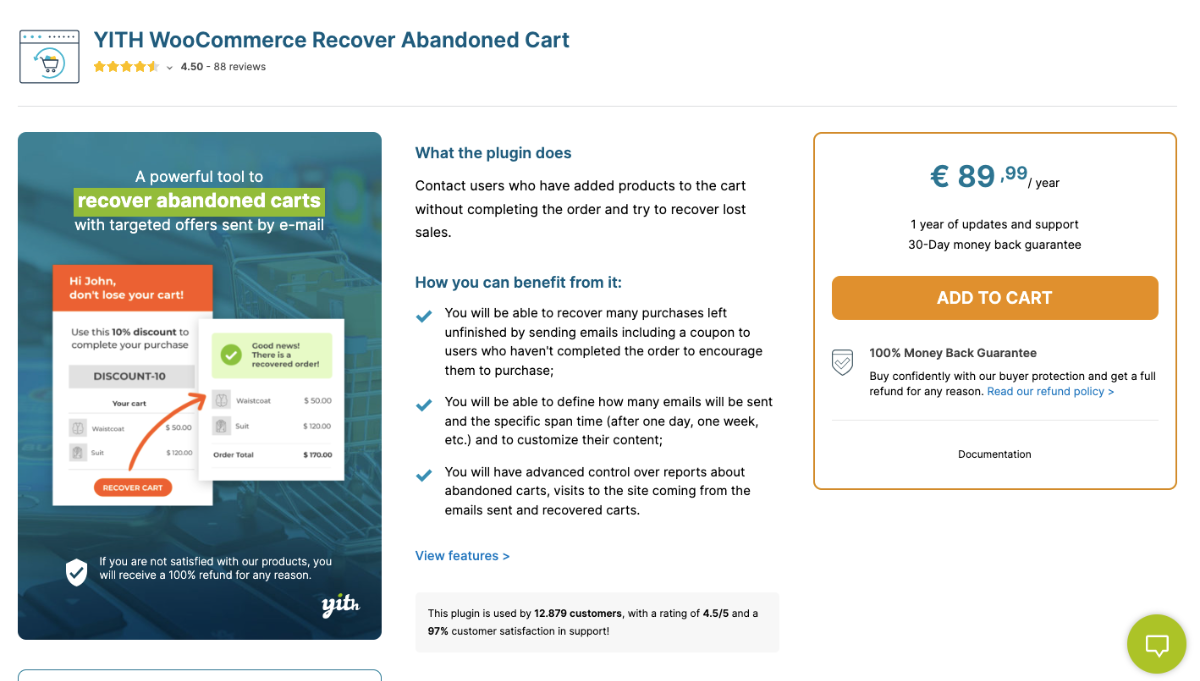
YITH Recover Abandoned Cart helps you bring back customers who leave items in their cart. It automatically reminds your shoppers to complete their purchase, making it easier for you to recover lost sales.
For example, if someone leaves a product behind, the plugin can send a friendly email with a discount to encourage you to win them back.
You can choose to recover carts from all users or just specific roles, including guests. With easy-to-use email templates and customizable timing, it works quietly in the background to help you increase your store’s conversions.
Features
- Enable cart recovery options for your store
- Set a time to consider a cart as abandoned
- Decide when to delete abandoned carts
- Recover carts for guest users or registered users
- Enable cart recovery for specific user roles
- Create unlimited recovery emails and customize content
- Add dynamic placeholders in emails for personalized messaging
- Include discount coupons in recovery emails with set value and expiration
- Get notifications when a cart is recovered and view detailed logs
- Monitor email performance, recovered sales, and conversion rates with an advanced dashboard
Preisgestaltung
- Plan: € 89,99 per year for 1 website
Conclusion
Abandoned carts are a major reason WooCommerce stores lose sales. Using the right plugins can help you recover these missed opportunities.
There are many options like Cart Lift, Booster, CartBounty, YITH Recover, and Cart Abandonment Recovery. Each works a little differently depending on your store.
You can send automated emails, track abandoned carts, and offer small incentives to bring customers back. It all depends on what fits your workflow.
For simplicity and results, Cart Lift is my top recommendation. It’s easy to use and helps you recover lost sales without extra effort.
** FAQs **
1. How can I recover abandoned carts on my WooCommerce store?
- You can recover abandoned carts by using plugins that track abandoned customers and send abandoned cart reminder emails. With timely follow-ups, you can turn missed sales into completed orders.
2. Which abandoned cart software should I use for my store?
- You have options like Cart Lift, YITH WooCommerce Recover, CartBounty, and Booster for WooCommerce. For simplicity and results, I recommend Cart Lift to help you save lost sales quickly.
3. How do I target specific users for cart recovery?
- You can set up your plugin to focus on specific user roles or registered users. This lets you send tailored emails or promotional emails to the right customers at the right time.
4. How soon should I send the first abandoned cart email?
- You should send first emails within the first hour after cart abandonment. This improves your email conversion rate and increases the chances of recovering lost sales.
5. Can I automate WooCommerce abandoned cart recovery?
- Yes, you can automate WooCommerce with plugins that track pending order recovery and send further emails automatically. This saves you time while improving your overall recovery strategy.

![Show Your WooCommerce Products on ChatGPT & OpenAI Ads with Product Feed [2026] 4](https://rextheme.com/wp-content/uploads/2026/08/Show-Your-WooCommerce-Products-on-ChatGPT-with-OpenAI-Product-Feed-1-407x213.webp)